
Saved choices, right at the form
Preferred login, address and card autofill with a dropdown for switching saved entries.
THE SILL BROWSER
Meet SillMeet Glide and Workspaces. Follow the build.Sill WorkspacesEvery project at home. Safe tabs sleep; unfinished work stays awake.Every featureExplore the tools built into Sill.Sill GlideYour frame, only when you need it.See it in actionBrowser captures and responsive views.Get SillPortable Windows x64 beta.A compact browser for developers and people who get things done.
Explore Sill GlideMAKE ROOM FOR YOUR WORK
Sill WorkspacesNamed projects, intelligent sleeping and unfinished-work protection.Focus with GlideHover, pin and choose your edge.Protection & autofillWork with your saved data and fewer distractions.Developer toolkitColors, captures, Inspect and shortcuts.Choose your paletteTwenty themes. Unlimited possibilities.Named tab sets, intelligent sleeping and protection for unfinished work. Pair Workspaces with Glide to make room for the page.
Explore Sill WorkspacesGET COMFORTABLE WITH SILL
Development logFollow the build from day one.Subscribe by RSSDevelopment updates in your feed reader.Setup & helpDownload, import, update and troubleshoot.Privacy & storageUnderstand what stays on this computer.Screenshot galleryDesktop, tablet and phone website views.Beta capabilitiesWhat works today and current limits.Straightforward answers about your browser, your profile and your tools.
Read the guideHamelton Software / A browser in the making
Meet Sill. A compact browser for people who build, research and get things done. Make room with Sill Glide. Give every project a home with Sill Workspaces — two defining features, built to work together.
Windows x64 portable beta · v1 is still in development
Sill Glide
Reveal your browser frame from the top, left or right. Pin it while you navigate, or let it retreat after a pause. Your page stays in place beneath the overlay.
Explore Glide →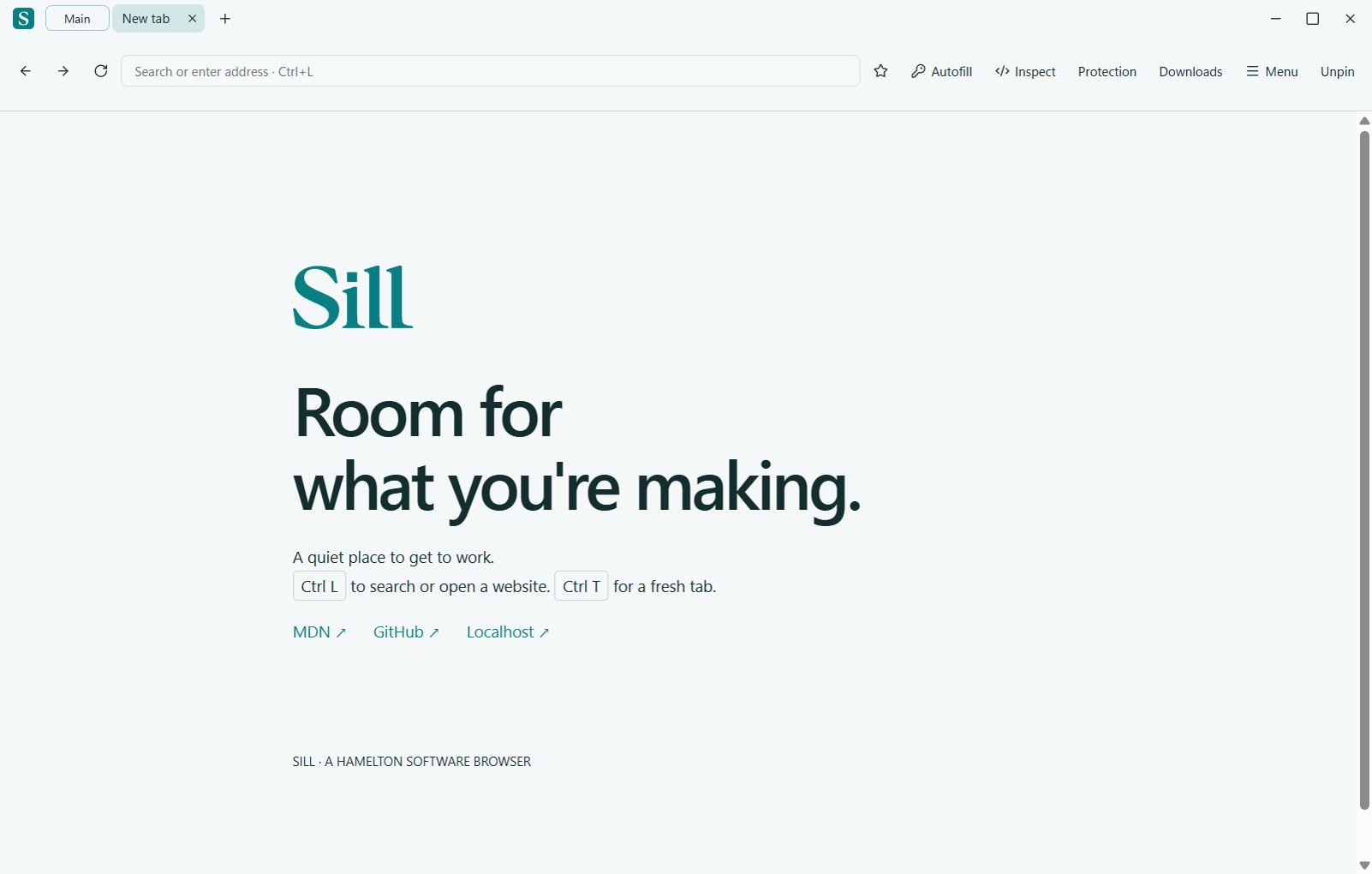
Sill Workspaces
Give each project a named tab set, with up to 100 workspaces. Switching checks the tabs you leave: verified safe pages sleep and reload when reopened. Forms, editors, selected files, active media, uploads and uncertain pages stay awake. The manager shows sleeping and protected counts.
Protection keeps unfinished work in memory while Sill is open. Restarting restores tab addresses, not unsaved drafts. Memory savings depend on the pages you use.
Explore Sill Workspaces →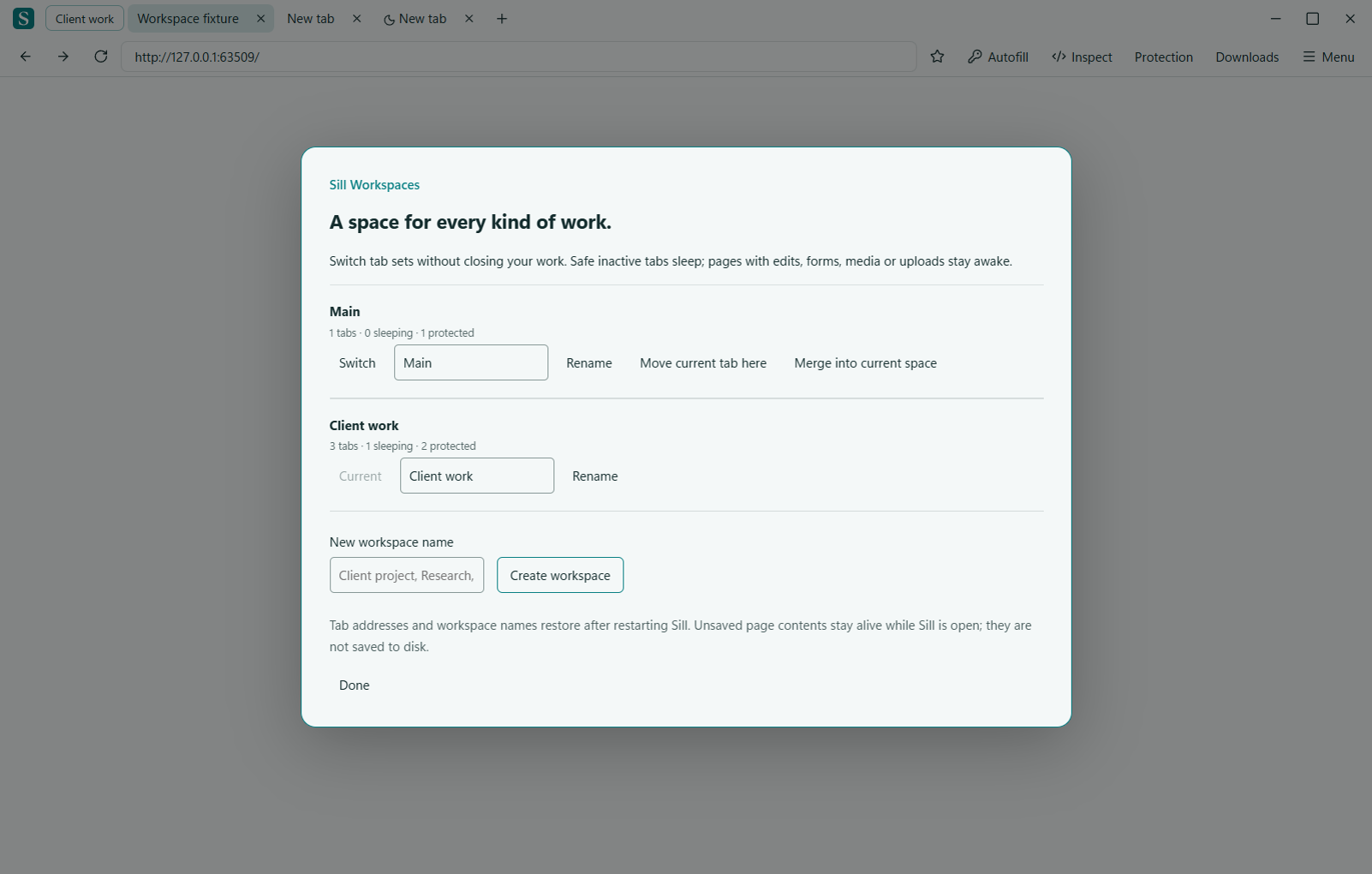
What’s inside today
Preferred login, address and card autofill with a dropdown for switching saved entries.
Inspect, color picking, page details and visible, selected-area or full-page screenshots.
Ad and tracker filtering, popup controls and reversible site exceptions.
Twenty plain palettes and eight illustrated themes, custom colors and transparent chrome artwork.
Password CSV and browsing-history imports, local bookmarks and a download manager.
Hover destinations, context menus, a searchable shortcut legend and tab recovery.
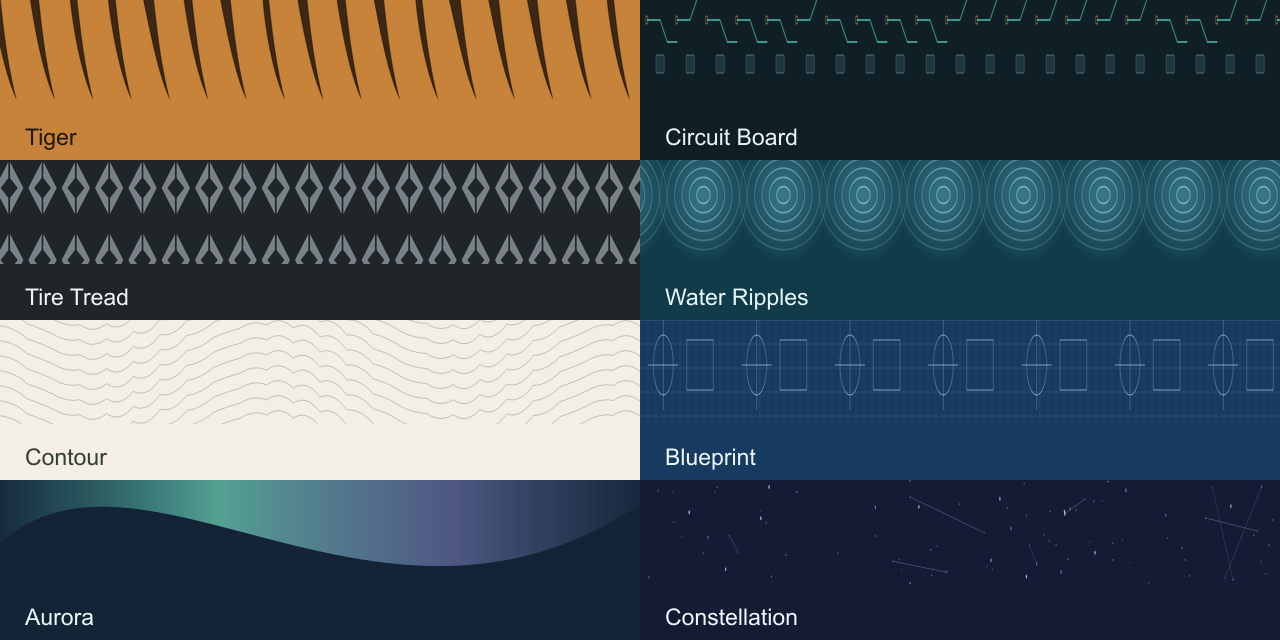
Make it yours
Tiger, Circuit Board, Tire Tread, Water Ripples, Contour, Blueprint, Aurora and Constellation. Transparent artwork lets your chosen color show through. Each includes top and side layouts alongside the twenty plain palettes.
Built in public
Follow the journey from the first portable beta to the work happening now. The development log records what changed, what was tested and what still needs work.
Read the devlog from day one →Follow the build
Get email when there’s a new Sill development update. Confirm your address first; unsubscribe any time.
Your address is used for this update list. Privacy details · Prefer a feed reader? Subscribe by RSS.