See the workspace

Less in the way.
More on the screen.

Actual Windows browser captures, plus the responsive Sill website on desktop, tablet and phone viewport sizes.

Sill on Windows
Actual Sill Windows browser with top Glide overlay
Pinned top Glide · the page sits below the controls.
Actual Sill Windows browser with left Glide overlay
Pinned left Glide · vertical tabs with space reserved beside the page.

Projects, beautifully organized.

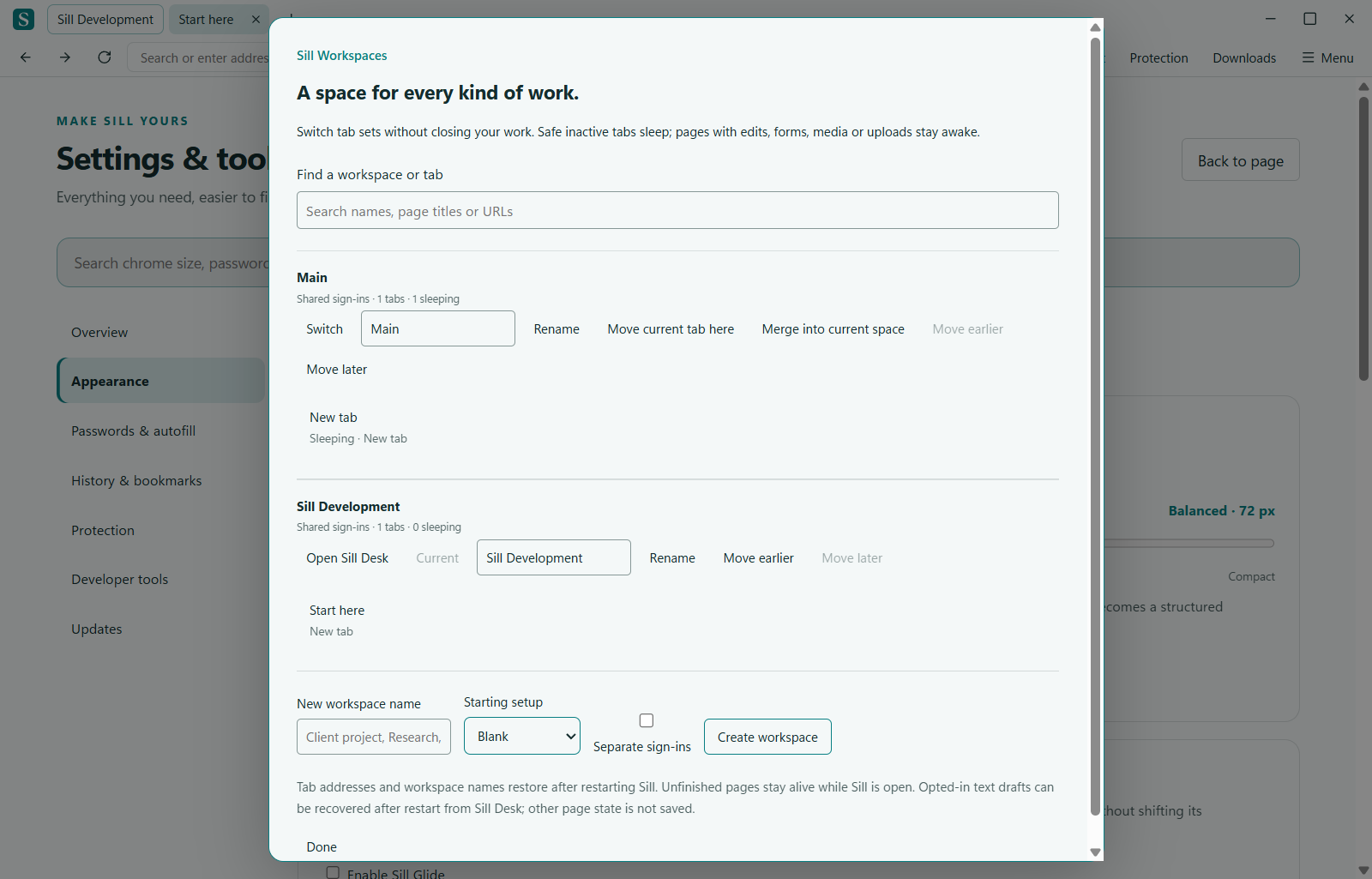
Current Sill Workspaces modal displayed above the webpage
Actual beta19 capture · the workspace manager appears above your page.
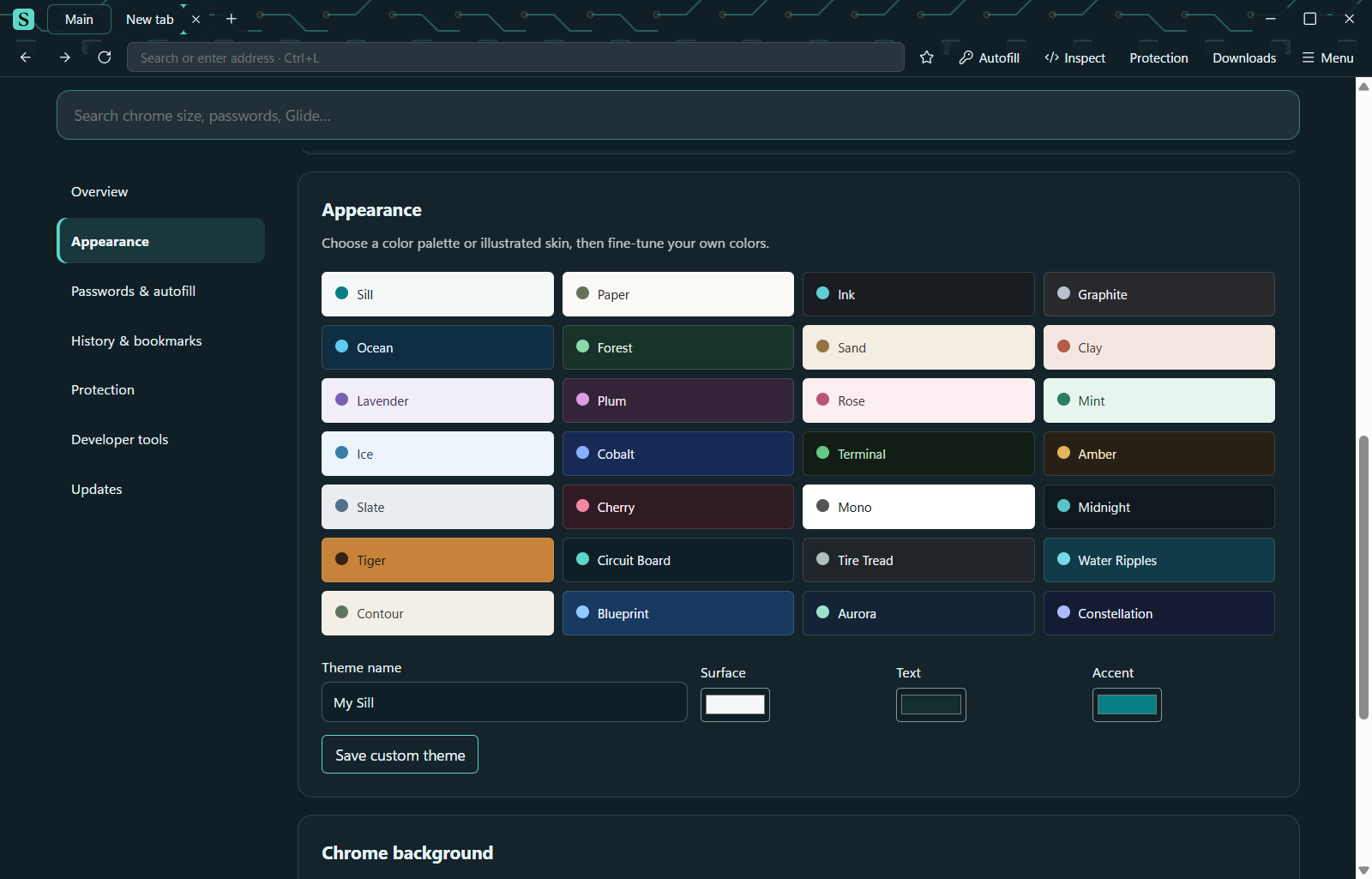
Eight included Sill illustrated skin palettes
Eight transparent skins, each with its own matching palette.

The website, on every screen

These are responsive website captures, not mobile browser builds. Sill currently runs on Windows x64.
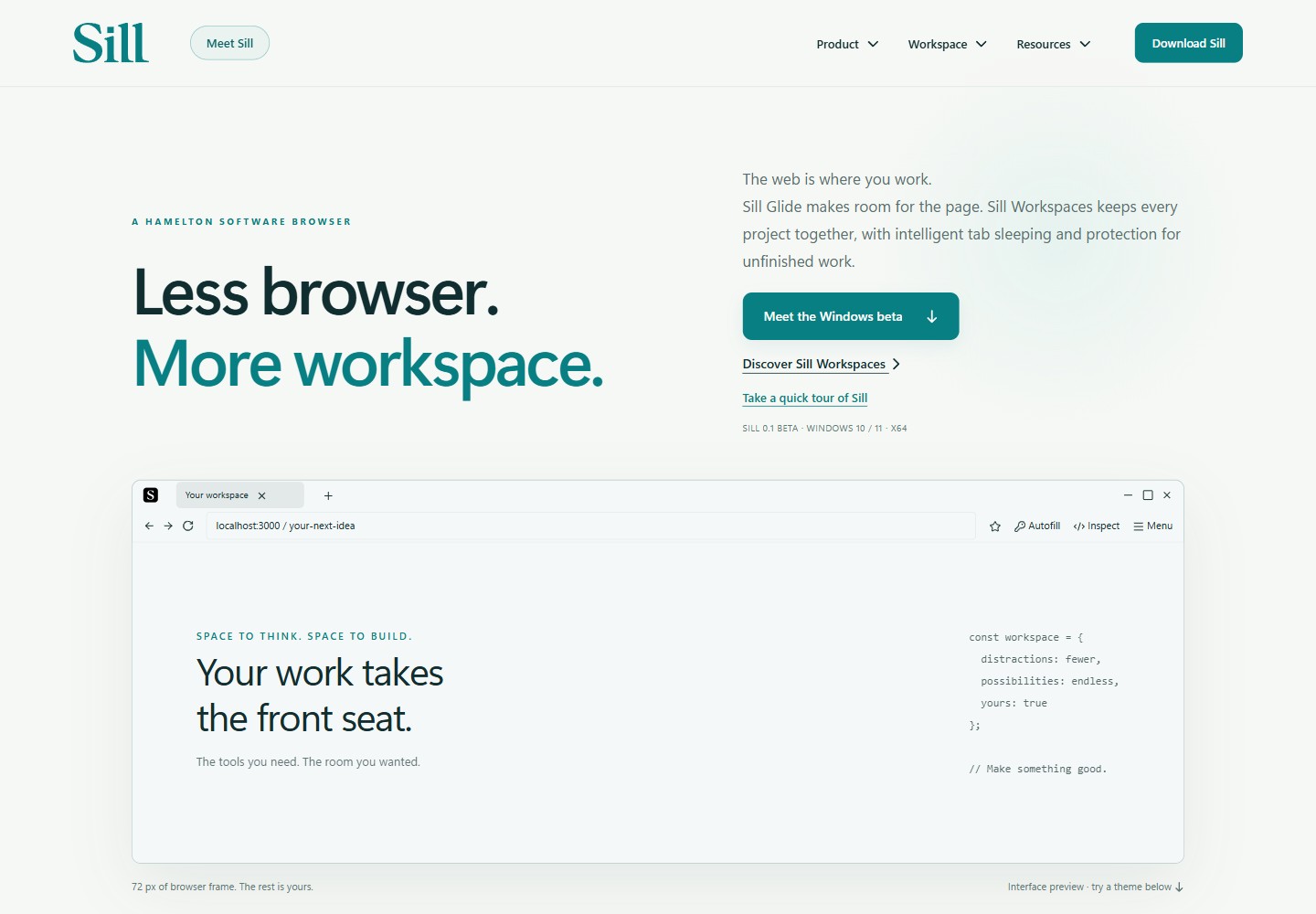
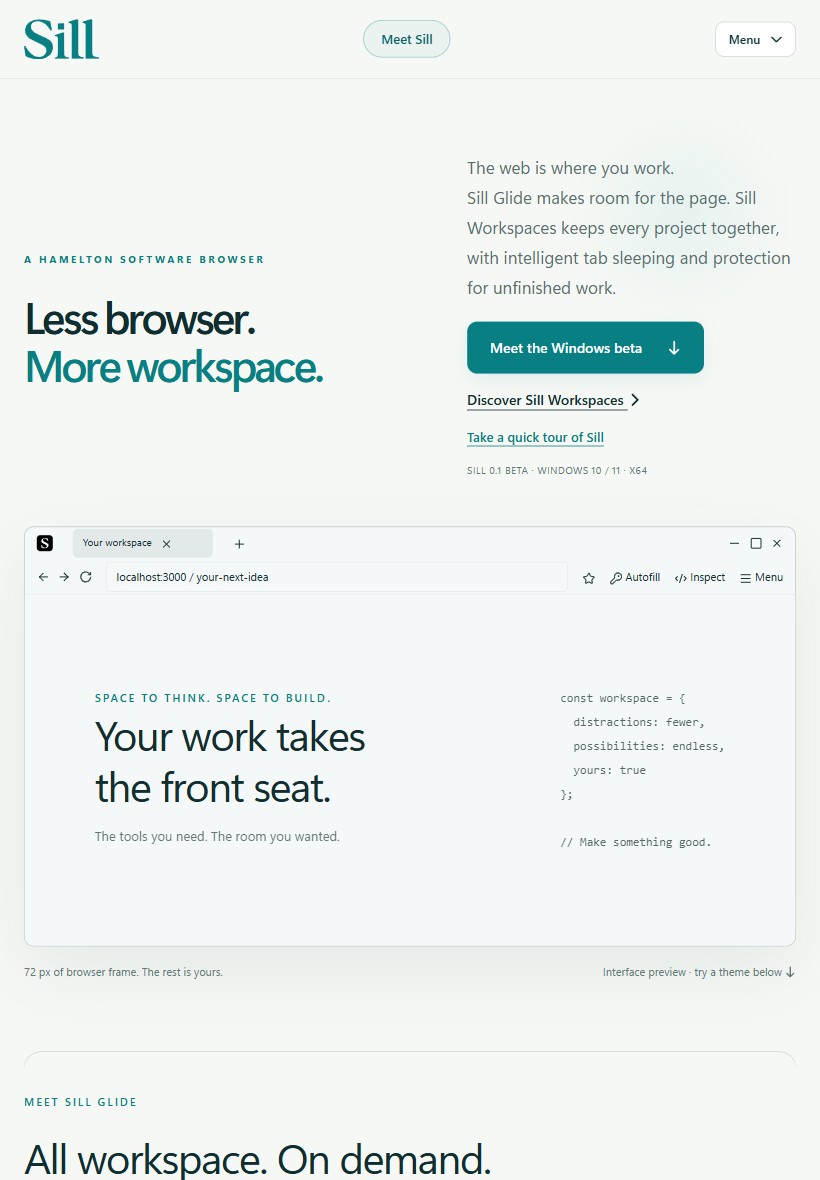
Sill homepage at a desktop viewport
Desktop website · 1440 × 1000 CSS px.
Sill homepage at a tablet viewport
Tablet website · 820 × 1180 CSS px.
Sill homepage at a phone viewport
Phone website · 390 × 844 CSS px.

A warm introduction.

Meet Sill introduction modal with browser captures and confirmed email updates
Meet Sill · explore the browser and follow its development.

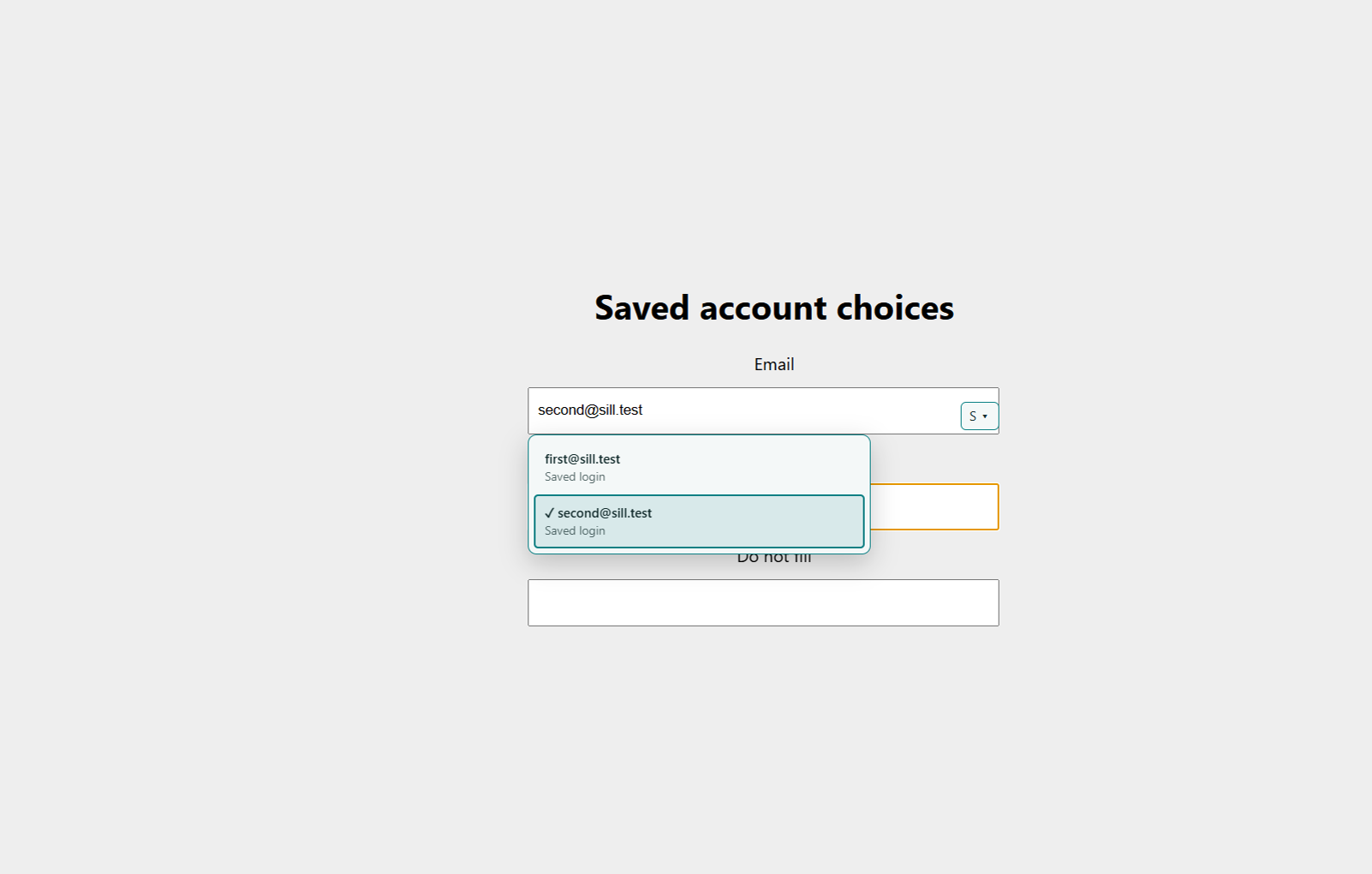
Saved choices, beside your form.

Sill automatic autofill with a selected saved account and a dropdown of other accounts
A real Sill capture using synthetic test accounts. Saved options appear beside the form.

Sill Desk, ready to work.

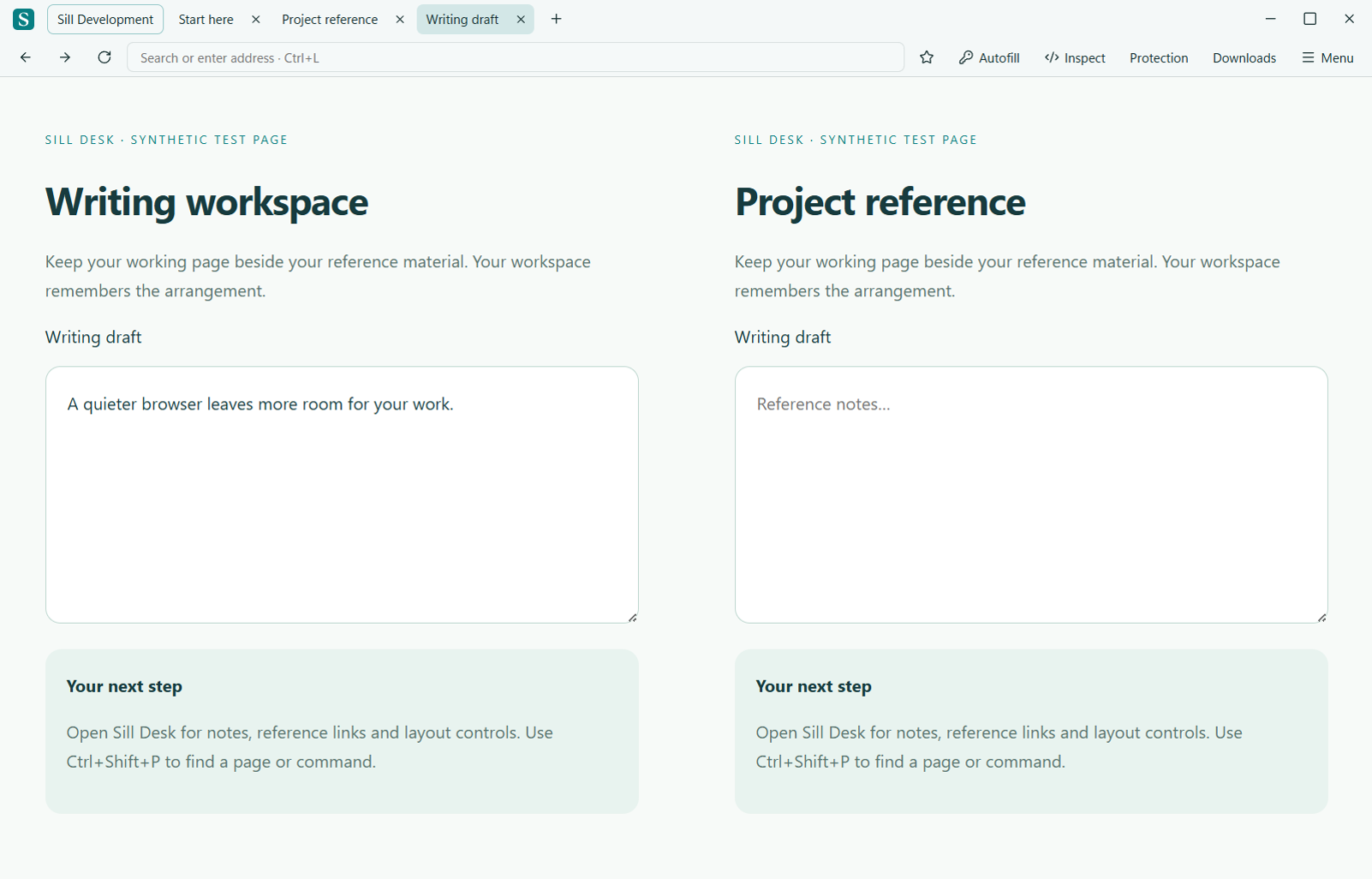
Sill Desk with two actual synthetic pages side by side
Saved two-pane layout · actual Windows beta capture.
Sill Desk project shelf and draft recovery controls
Project shelf · layout, resource status, notes and opt-in recovery.

Find your fit.

Settings now has searchable categories and a live chrome-size slider. Compact top controls share a single row; extra tools stay in More. Your size is saved when you release the slider.

See the redesigned settings
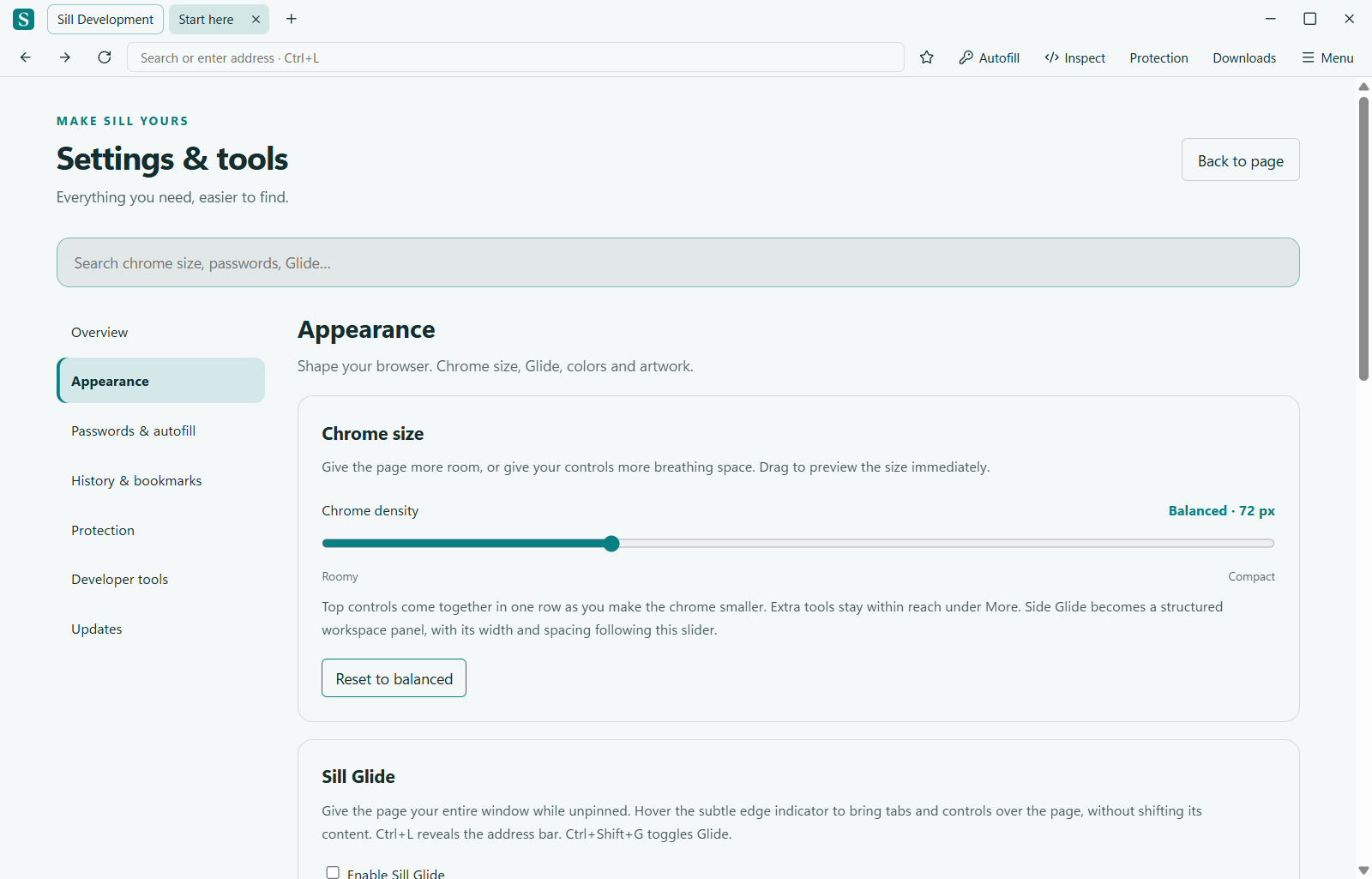
Actual searchable Sill settings
Searchable settings and chrome size · Windows beta24.

New in beta24

A proper home for your tabs.

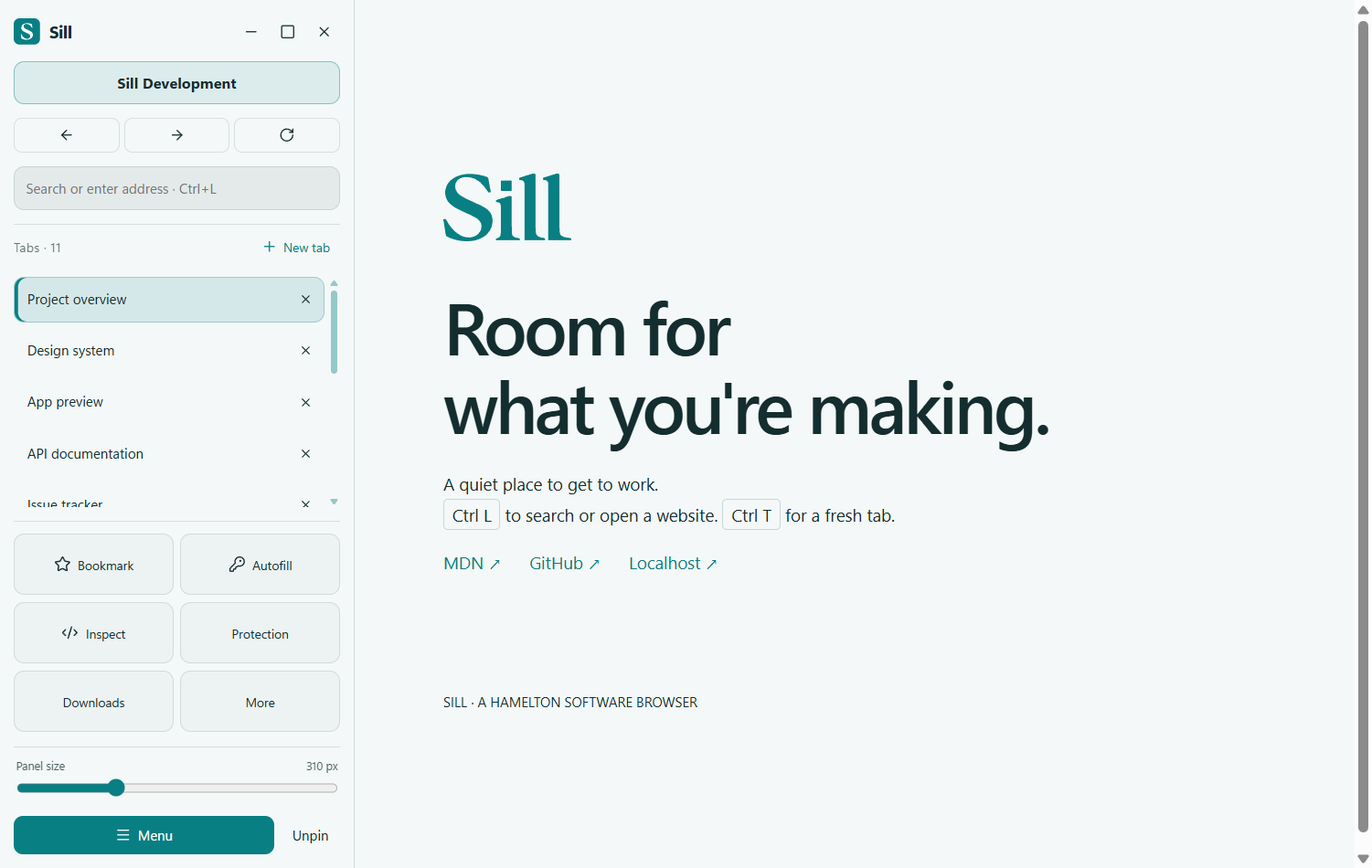
Left and right Glide now use a structured workspace panel. Navigation and the address sit together, tabs scroll in their own space, and labeled tools stay within reach at the bottom. Your workspace and window controls have clear places at the top.

Actual Sill left Glide panel with navigation, workspace tabs, labeled tools and panel-size slider
Left Glide, pinned · Windows beta24 · synthetic project tabs.

Drag Panel size directly in the side panel to move smoothly between 336 and 248 pixels wide. The balanced width is 310 pixels. Pinning reserves the chosen width; unpinning gives the page the whole window.
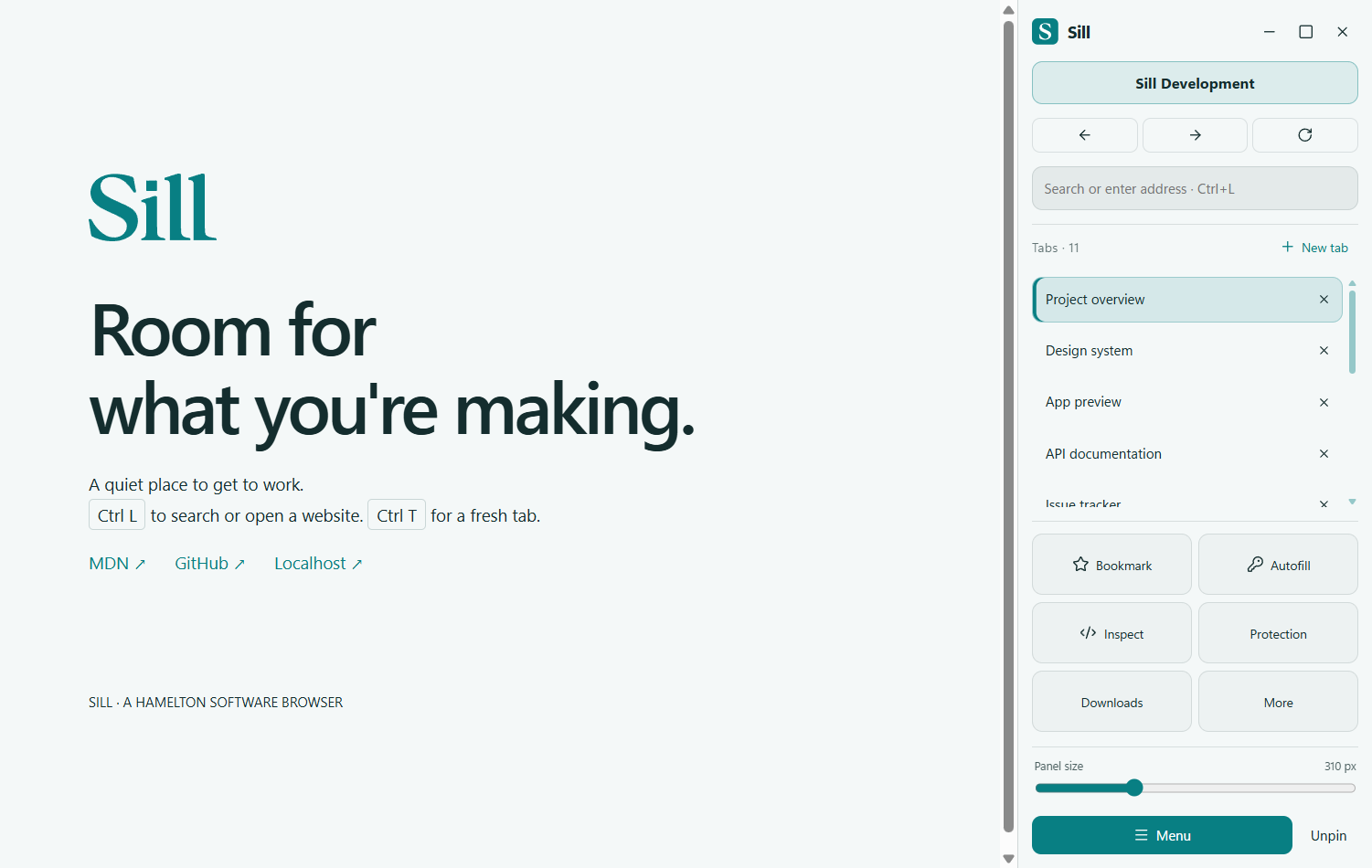
Actual Sill right Glide panel with the same organized controls
The same arrangement on the right edge.
Watch the side size slider in action
Recorded Sill panel-size slider narrowing and widening pinned left chrome in real time
Actual browser recording. The page viewport follows the pinned panel width.

The compact frame.

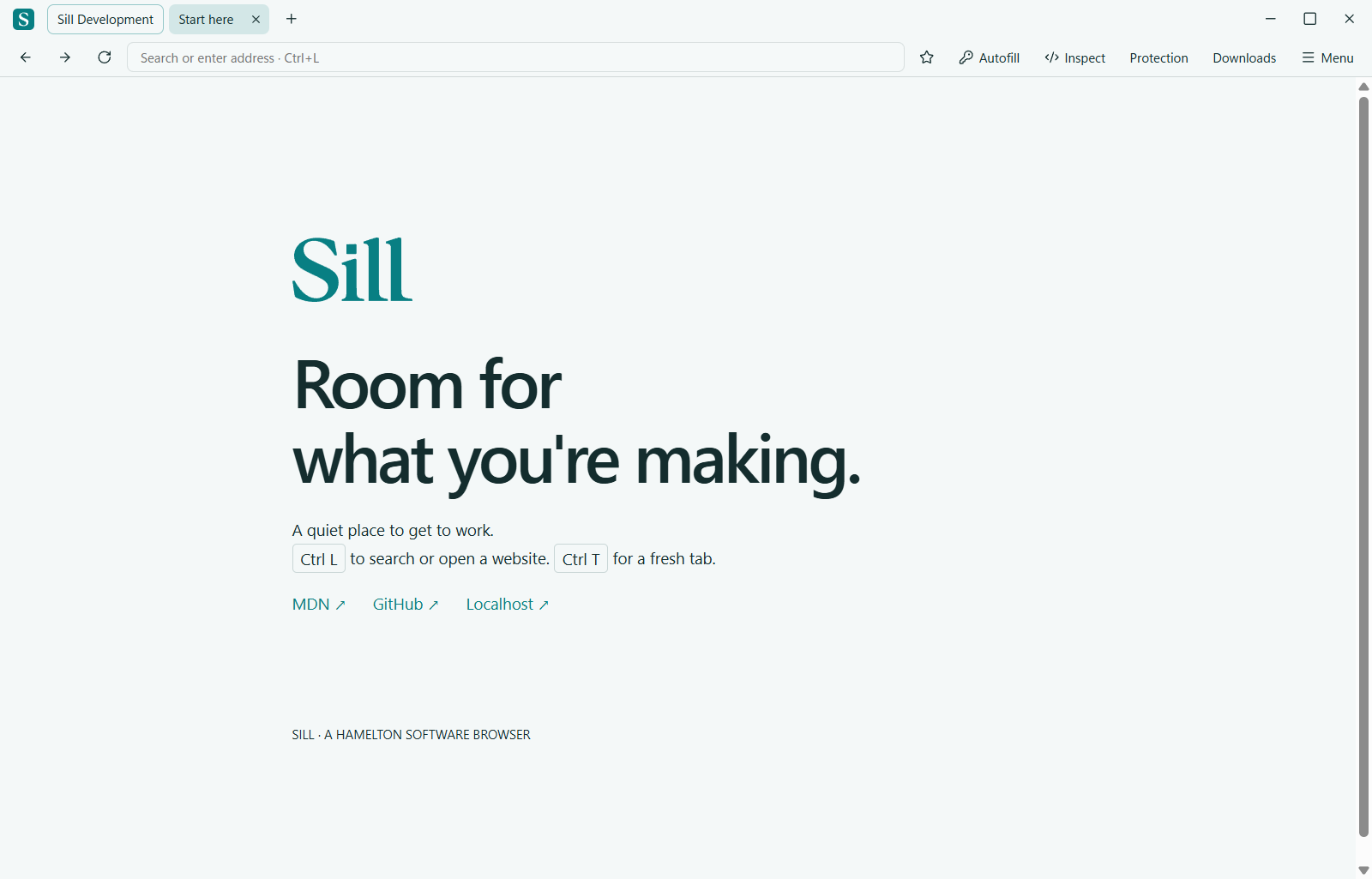
Actual Sill beta24 top browser frame and start page
Actual Windows browser capture · balanced top chrome.

Sill Airlock

Review before pausing tabs.
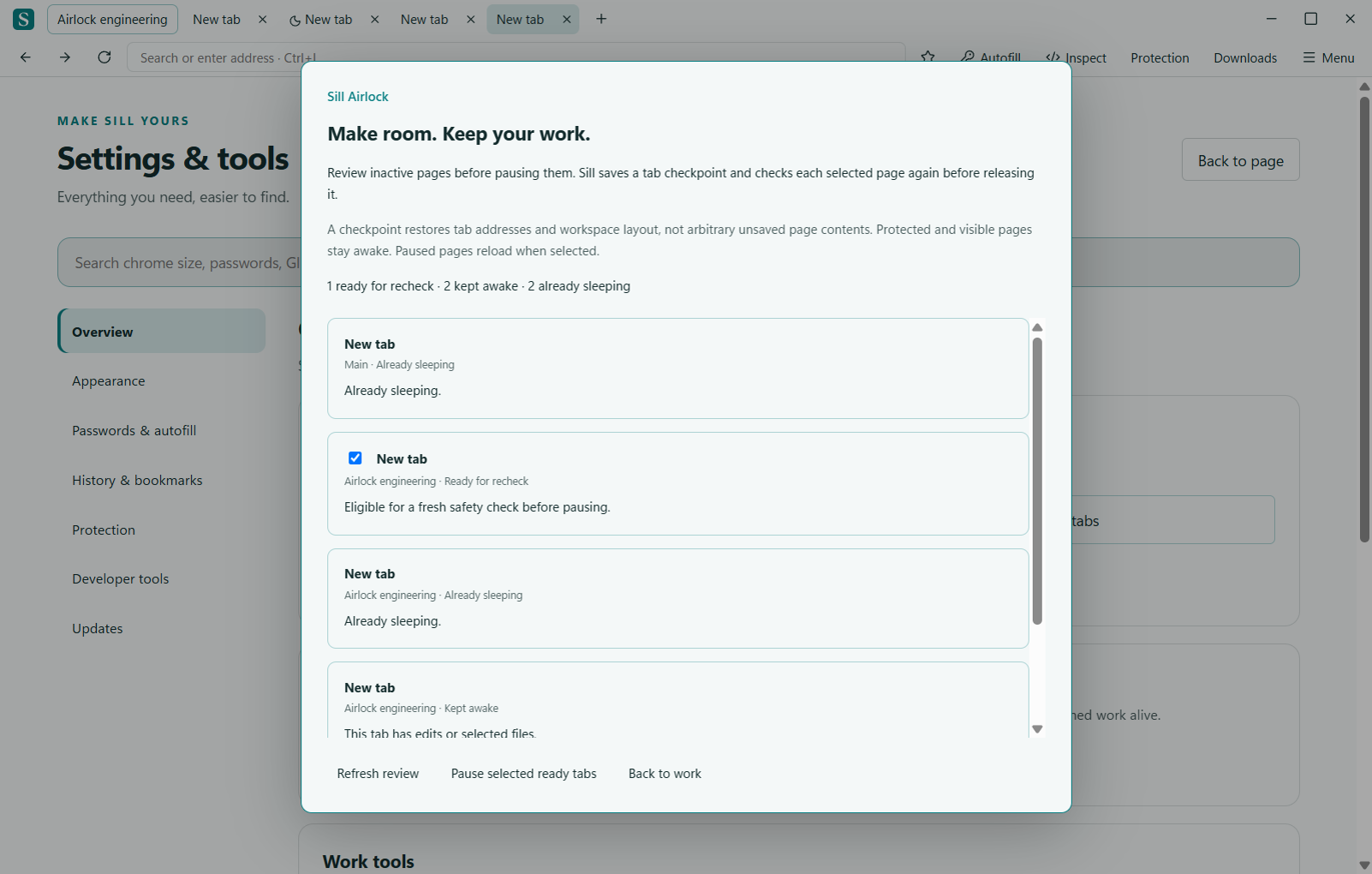
Airlock review listing ready, protected and sleeping tabs
Actual Windows beta capture with synthetic workspaces and test tabs.

Explore Airlock’s checkpoint and revalidation workflow

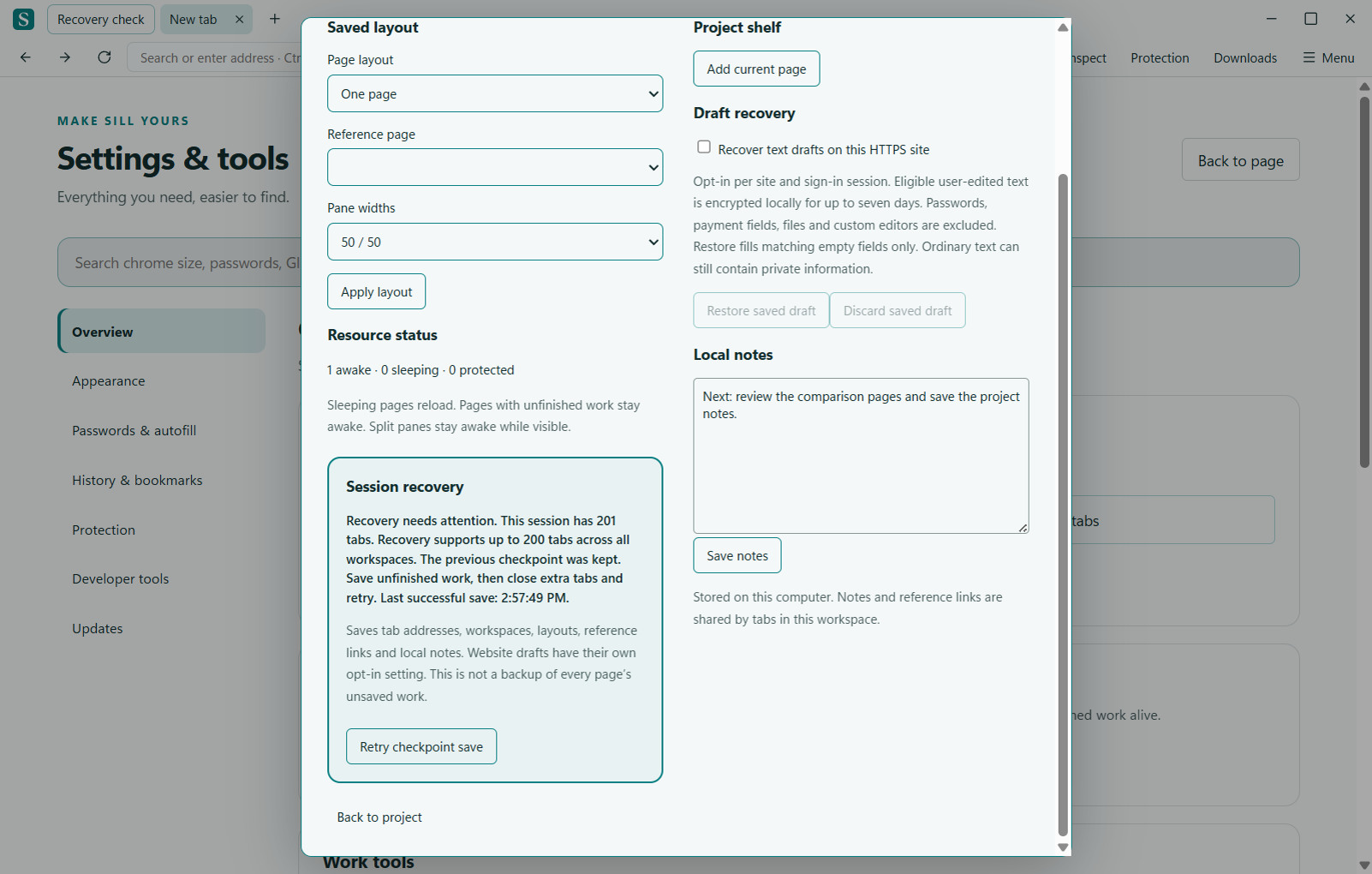
Session recovery in Sill Desk

Beta29 makes checkpoint status visible. Read what recovery preserves.
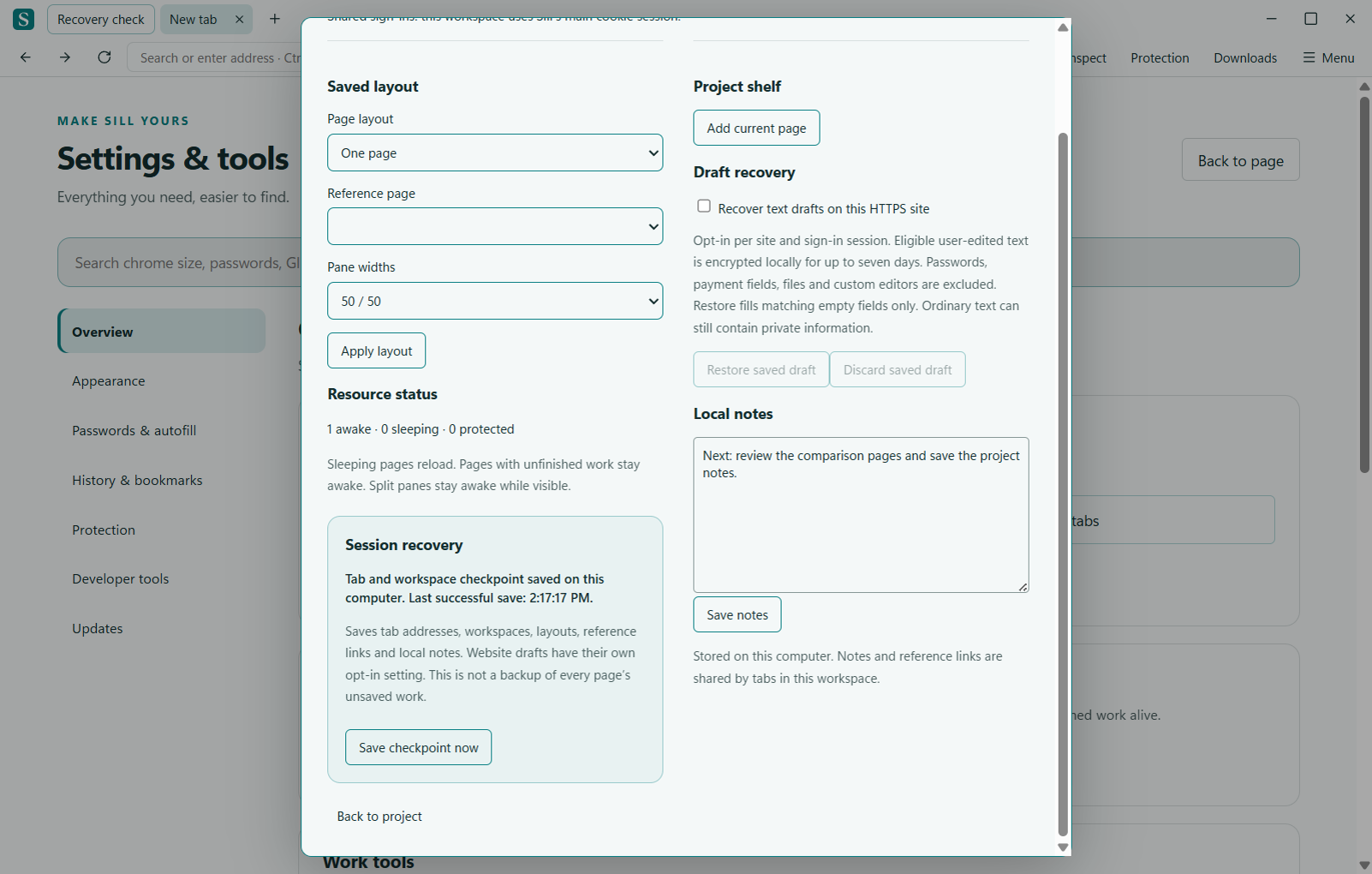
Sill Desk with the new session checkpoint status card
Actual beta29 interface with synthetic notes.
Sill recovery card explaining a 201-tab session exceeds the checkpoint limit
Actual beta30 interface with synthetic tab records. No tabs are closed automatically.
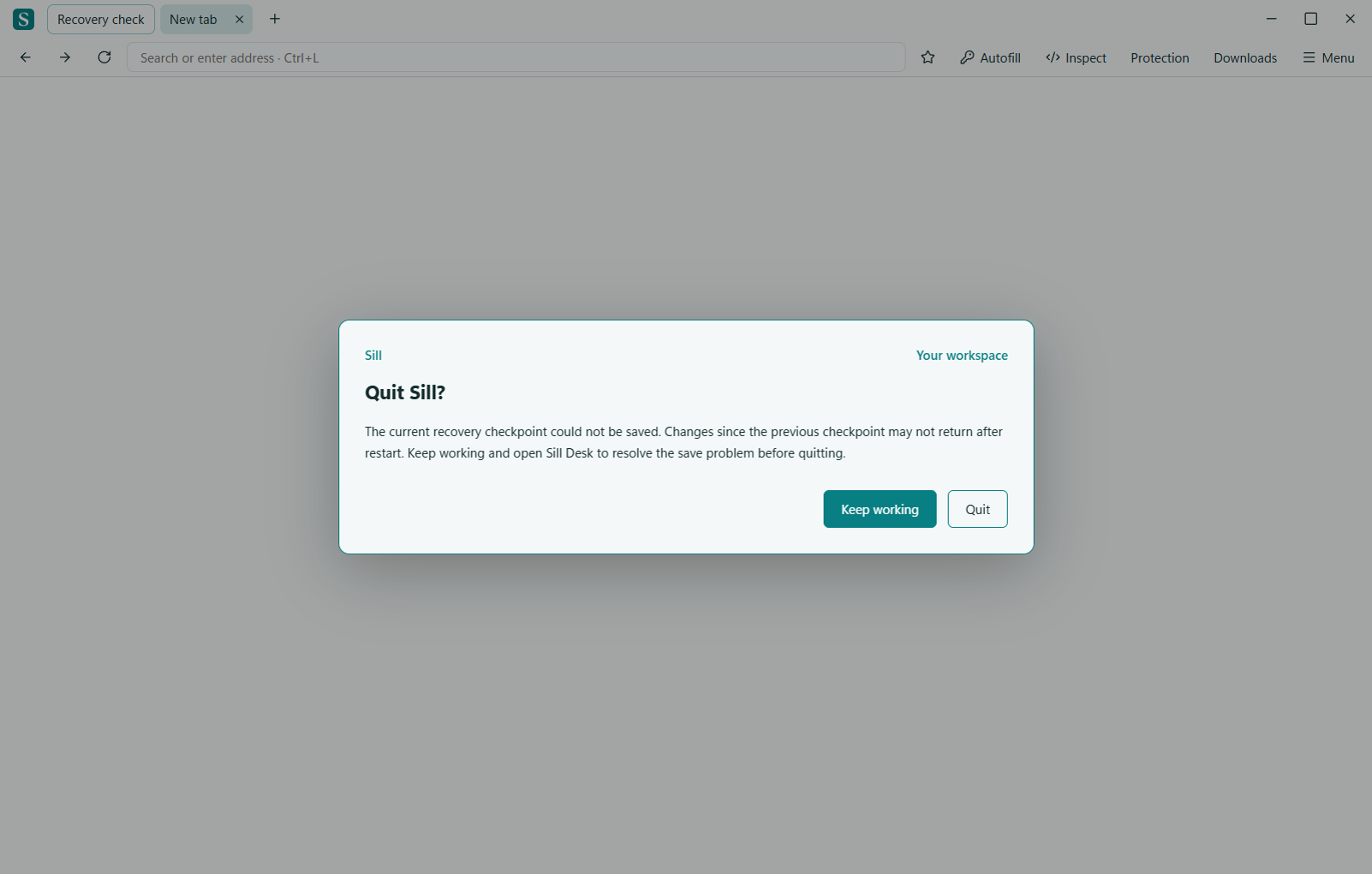
Branded quit warning with Keep working and Quit buttons
Beta30 quit warning during a controlled failed-save test.

The Sill website

A clearer home for the beta.

The homepage features Glide, Desk, Airlock and live chrome sizing. Documentation, public support and private tester discussions now have dedicated routes. These are website captures, not phone or tablet browser builds.

Revamped desktop Sill homepage
Desktop homepage.
Sill phone navigation with documentation and support
Phone menu with documentation, tester signup and support.
Searchable Sill documentation
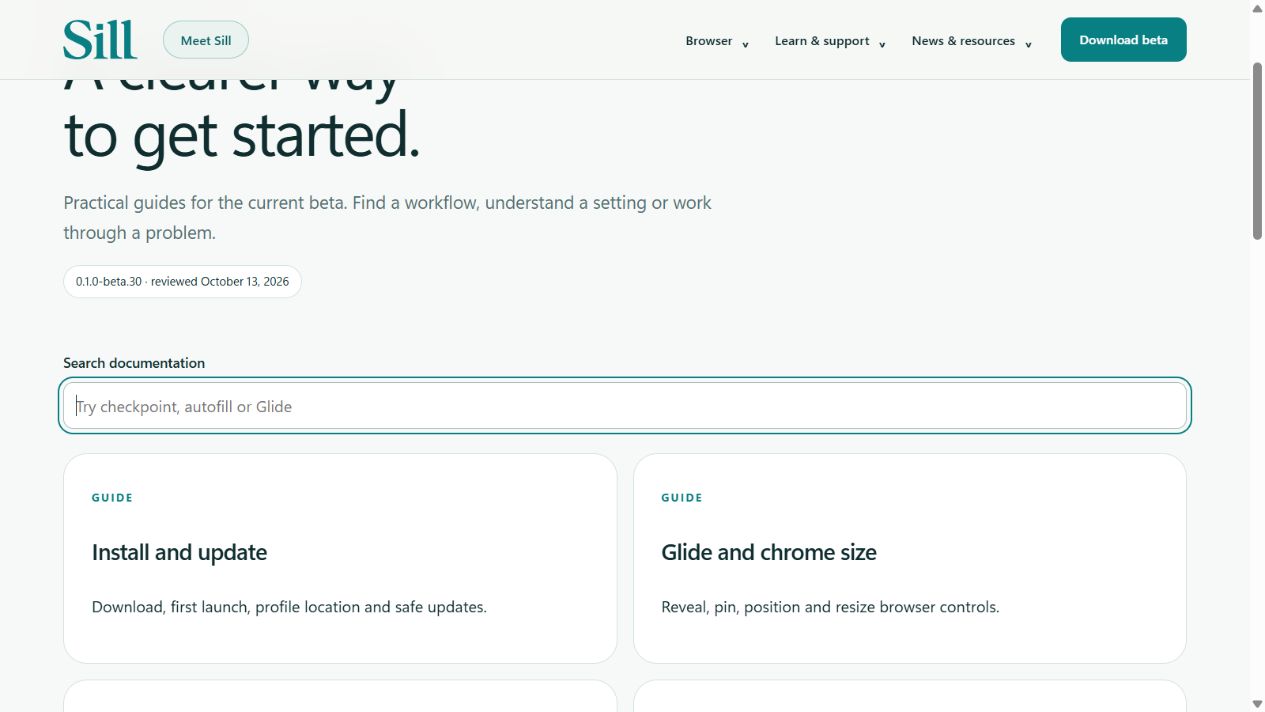
Documentation home with current-beta guides.
Sill public support boards
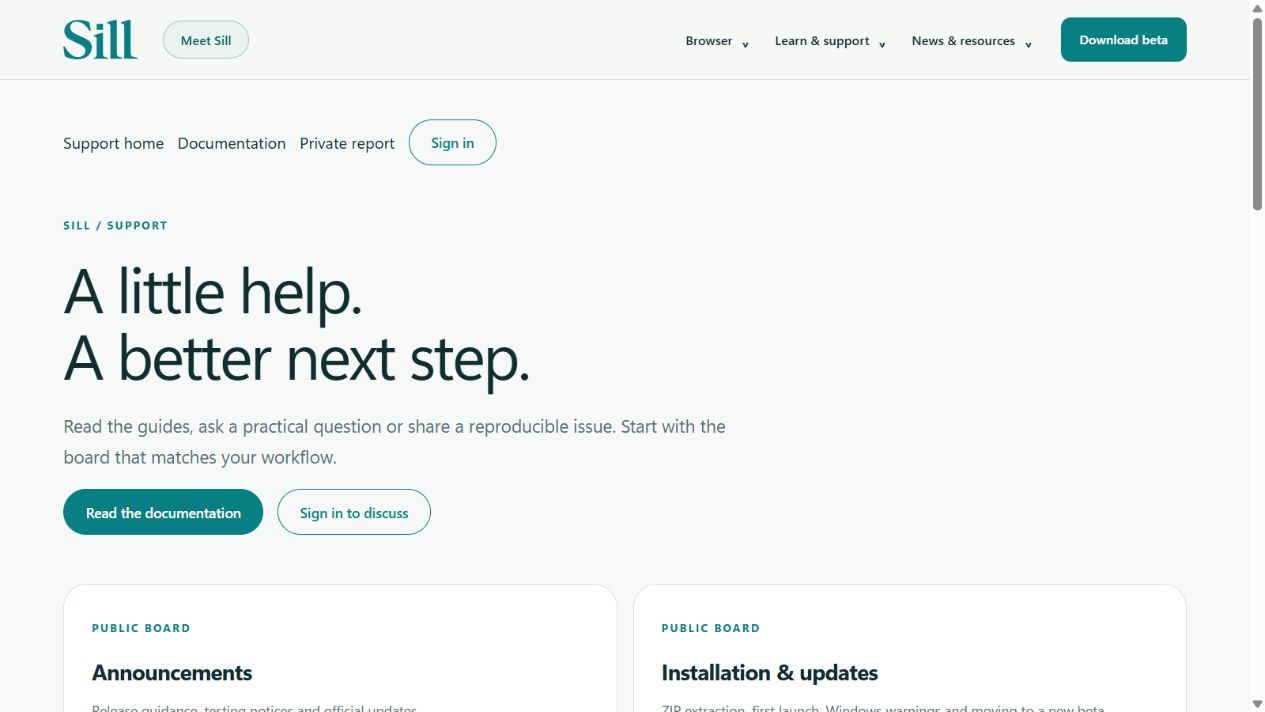
Public support home. Private boards require authenticated tester access.
Read the documentation · Visit support

Support discussions

Know who is speaking.

Names and account roles now appear in discussion headers, posts and the signed-in account card. The developer account has a distinct staff badge.

Support author name and Developer Administrator badge
Actual interface using a controlled local QA discussion; no real tester posts are shown.
Read the support guide

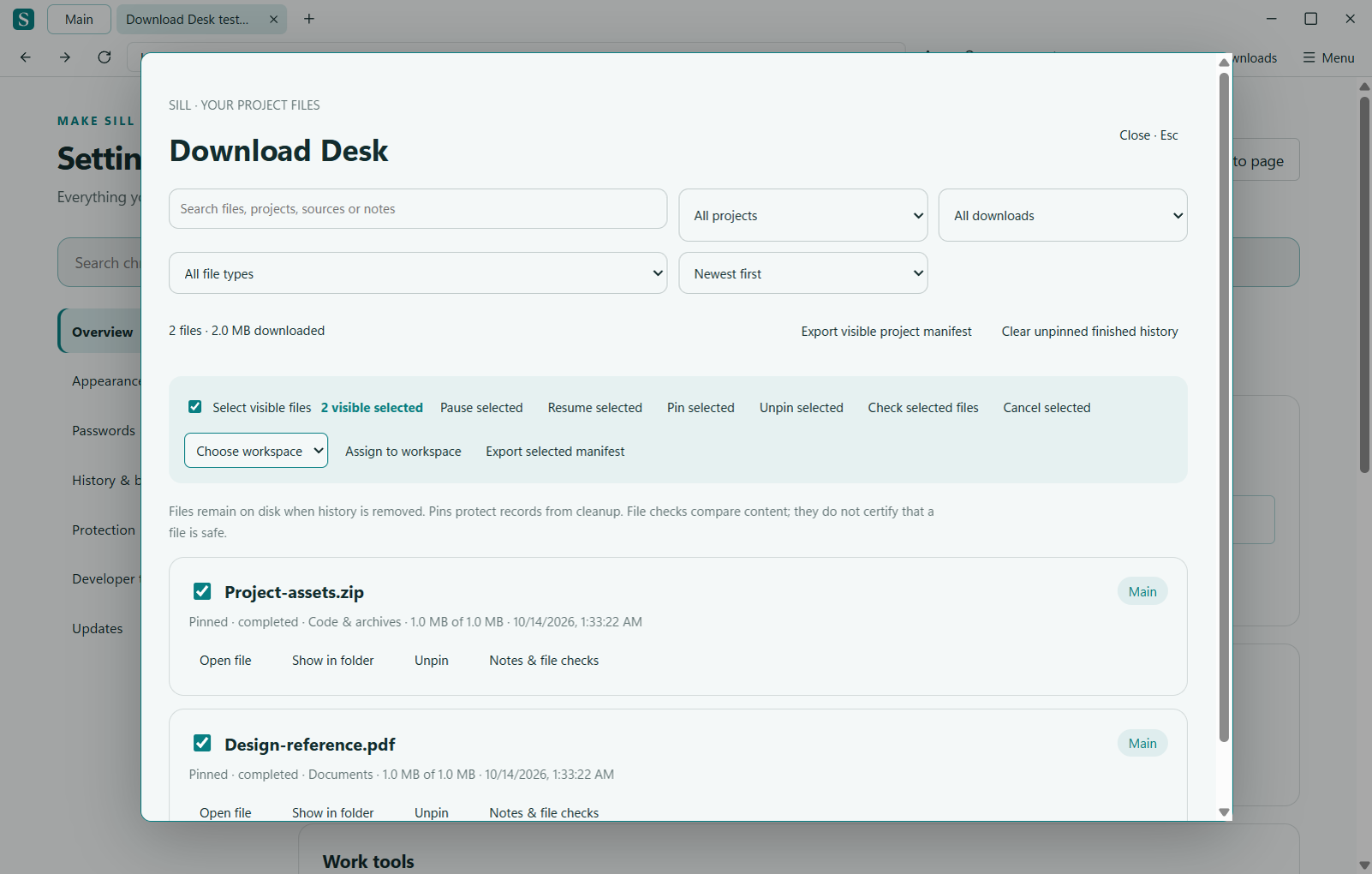
Download Desk · beta32

Download Desk with selected project files and bulk controls

Compact tabs · beta33

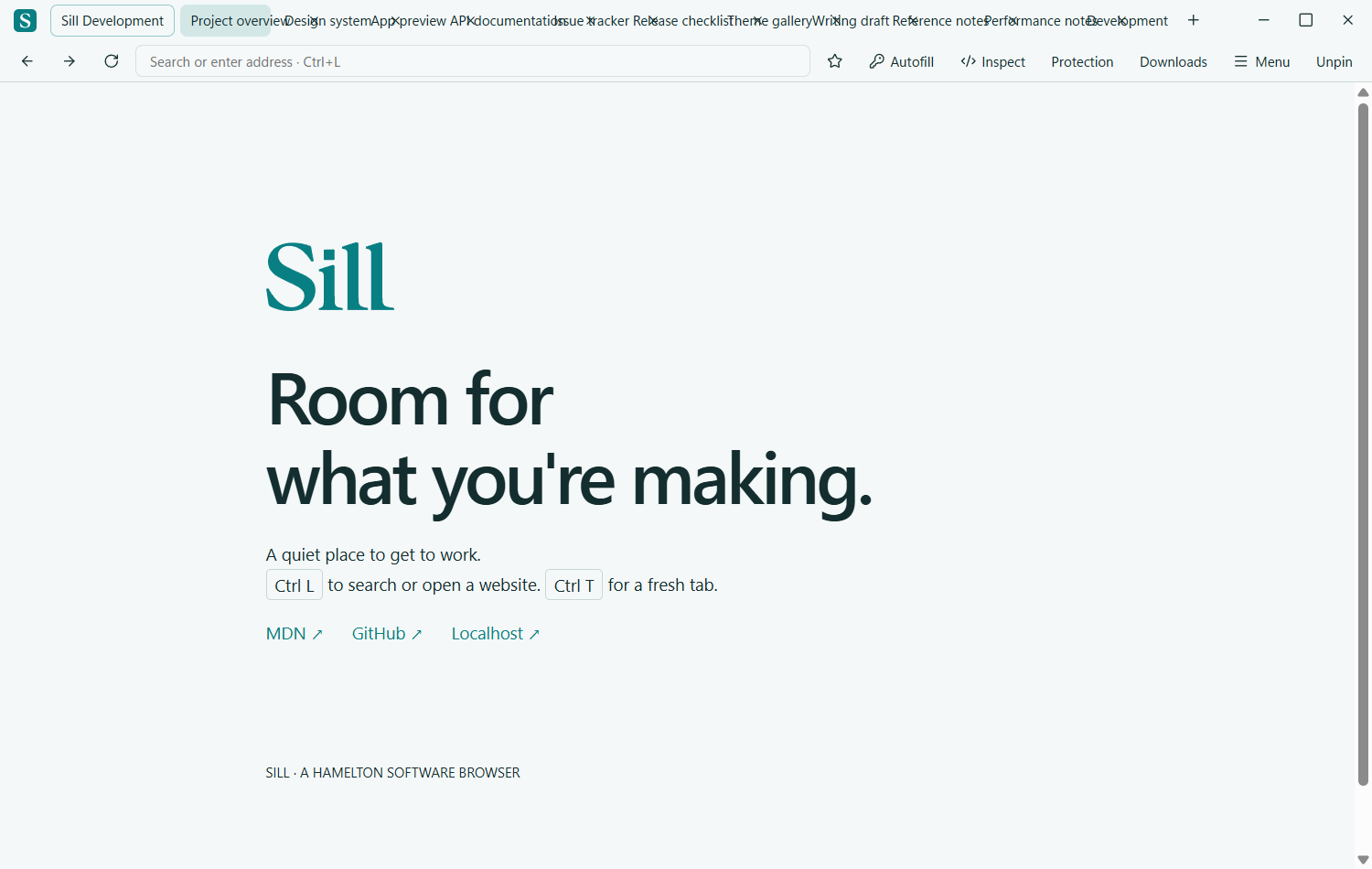
Long tab titles stay inside their own tabs when the chrome shrinks. Hover for the full title and scroll the strip to reach more tabs.
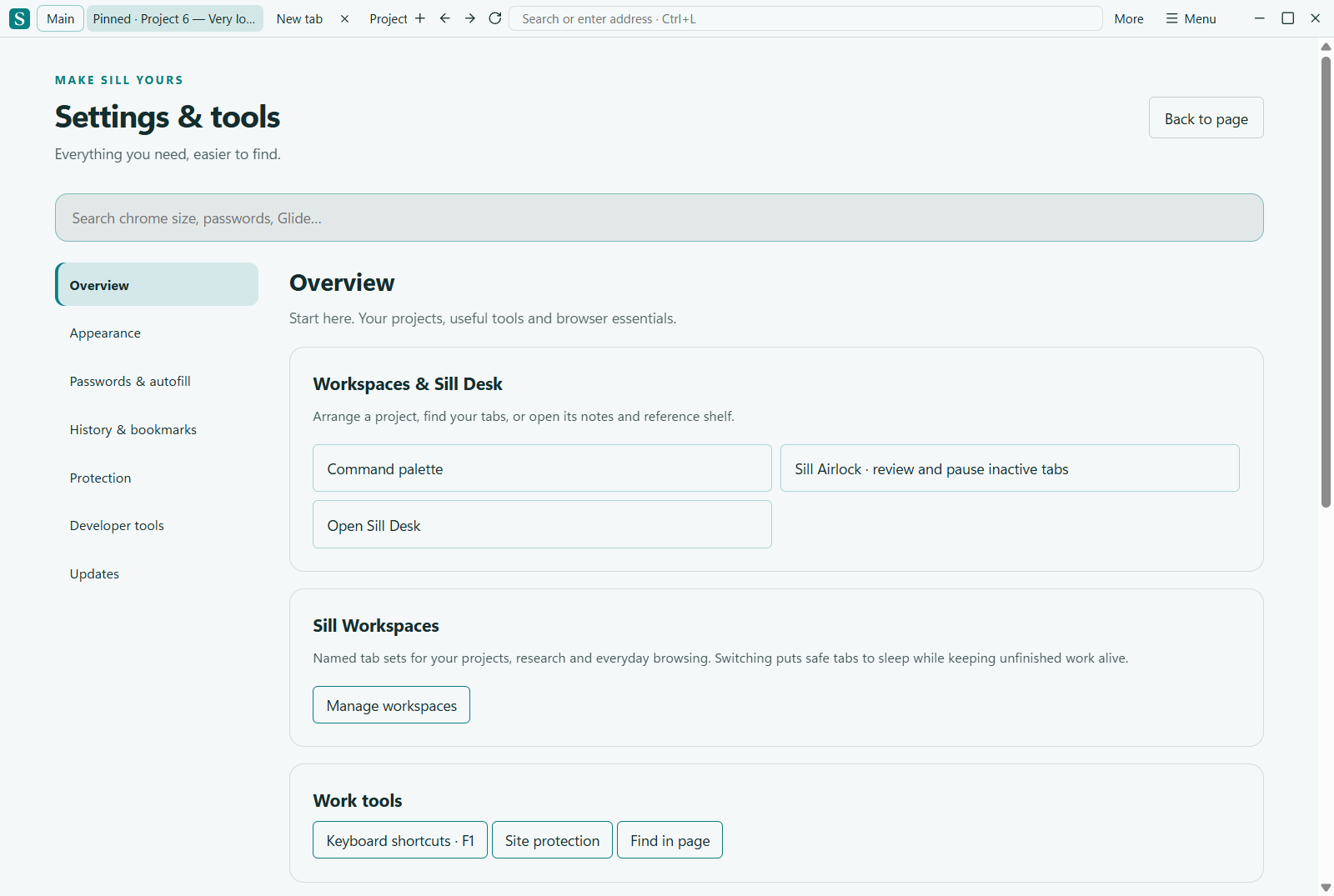
Actual compact chrome test with long tab titles and a pinned tab