
Sill Workspaces
A space for
every kind of work.
Research in one space. Client work in another. Personal tabs somewhere else. Keep them open together and switch without starting over.
Try Workspaces in the Windows beta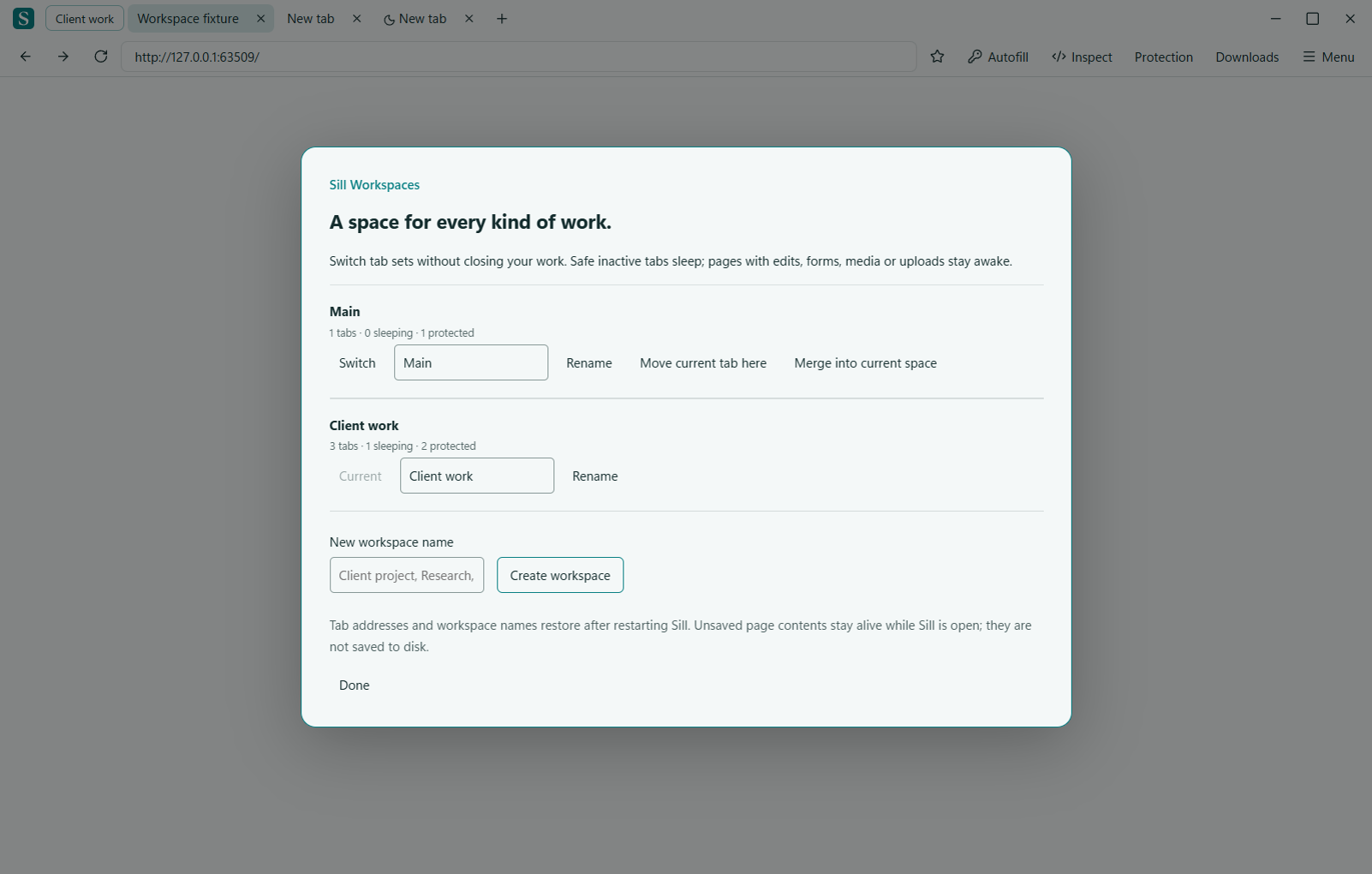
More than two projects.
Create up to 100 named workspaces, rename them as plans change and return to each space’s last selected tab. Move tabs using the manager or the tab’s right-click menu. Merge a space into another without closing its tabs.
Set it aside. Keep your work.
Switching immediately checks tabs in the workspace you leave. Verified safe tabs unload and reload when opened. Tabs with forms, editors, selected files, active media, ongoing uploads or uncertain state stay awake.
The manager shows sleeping and protected counts. Memory savings depend on the pages: an unsaved editor needs its renderer to remain in memory. Unsaved contents are preserved while Sill stays open; restarting restores tab addresses, not drafts.
Quick to reach.
Open the named workspace button beside your tabs, or Menu → Overview → Manage workspaces. Ctrl+Alt+W opens the manager; Ctrl+Shift+PageUp and Ctrl+Shift+PageDown cycle spaces.
Workspaces and Glide, together.
The workspace button travels with your frame on every Glide edge. Change projects, then let the controls retreat so your page can use the window.
Explore Glide → · Follow development →