
Sill Glide
On-demand browser controls, edge placement and a live size slider. Pin the controls when you need them to stay visible.
Read about GlideTHE SILL BROWSER
Meet SillMeet Glide and Workspaces. Follow the build.Sill DeskSaved layouts, project shelves and separate sign-ins.Sill WorkspacesEvery project at home. Safe tabs sleep; unfinished work stays awake.Every featureExplore the tools built into Sill.Appearance & settingsSearch settings. Preview a smaller chrome.Sill GlideYour frame, only when you need it.See it in actionBrowser captures and responsive views.Get SillPortable Windows x64 beta.A compact browser for developers and people who get things done.
Explore Sill GlideMAKE ROOM FOR YOUR WORK
Sill DeskSaved layouts, project shelves and separate sign-ins.Sill WorkspacesNamed projects, intelligent sleeping and unfinished-work protection.Focus with GlideHover, pin and choose your edge.Protection & autofillWork with your saved data and fewer distractions.Developer toolkitColors, captures, Inspect and shortcuts.Make it yoursChrome size, themes and searchable settings.Named tab sets, intelligent sleeping and protection for unfinished work. Pair Workspaces with Glide to make room for the page.
Explore Sill WorkspacesGET COMFORTABLE WITH SILL
Press kitProduct facts, editorial screenshots and contact.Brand kitOfficial logos, color and identity guidelines.Development logFollow the build from day one.Subscribe by RSSDevelopment updates in your feed reader.Setup & helpDownload, import, update and troubleshoot.Privacy & storageUnderstand what stays on this computer.Screenshot galleryDesktop, tablet and phone website views.Beta capabilitiesWhat works today and current limits.Straightforward answers about your browser, your profile and your tools.
Read the guideSill / Press
Sill is a Windows browser from Hamelton Software, built around a compact interface and project-based browsing. It is available as a public beta.
Download the press kit · ZIPPress enquiries: help@hameltonsoftware.comBrowser controls compete with the work they surround. Sill’s approach is to make those controls adjustable, then organize pages around the project rather than one long strip of tabs.
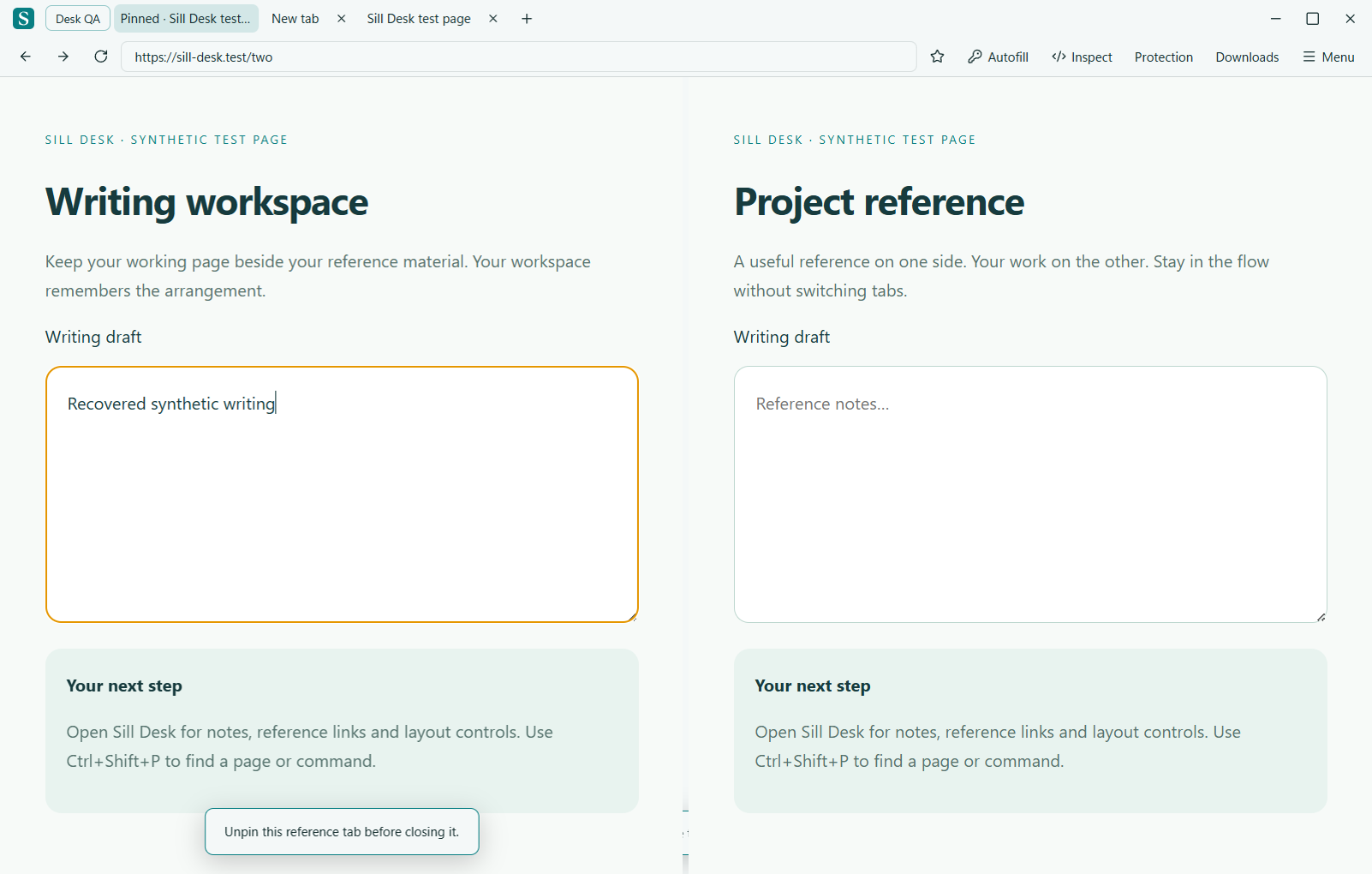
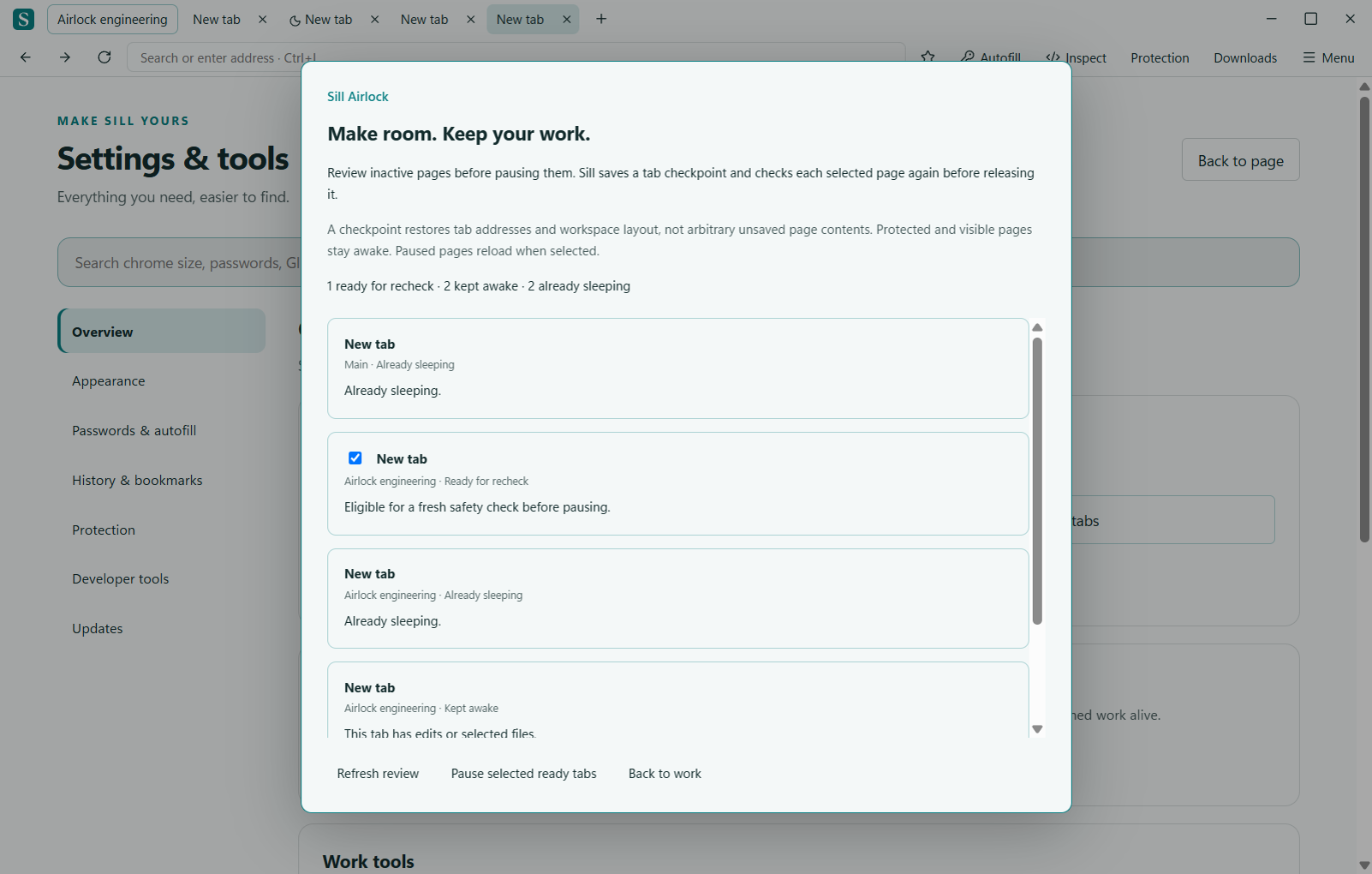
Glide can move the controls to the top, left or right edge and reveal them on demand. Workspaces separate groups of tabs; Sill Desk adds saved layouts, project notes and reference links. Airlock gives users a review of inactive tabs before they choose which pages to pause.
The beta is still being developed. The public development log records completed work, engineering decisions and current limitations, with a plain-language explanation alongside the technical notes.
On-demand browser controls, edge placement and a live size slider. Pin the controls when you need them to stay visible.
Read about GlideNamed tab groups, saved split layouts, project shelves and optional separate sign-ins. Protected pages stay resident; eligible inactive pages can sleep.
Explore Sill DeskReview inactive tabs, write a recovery checkpoint and recheck page activity before pausing. A receipt explains which tabs stayed awake.
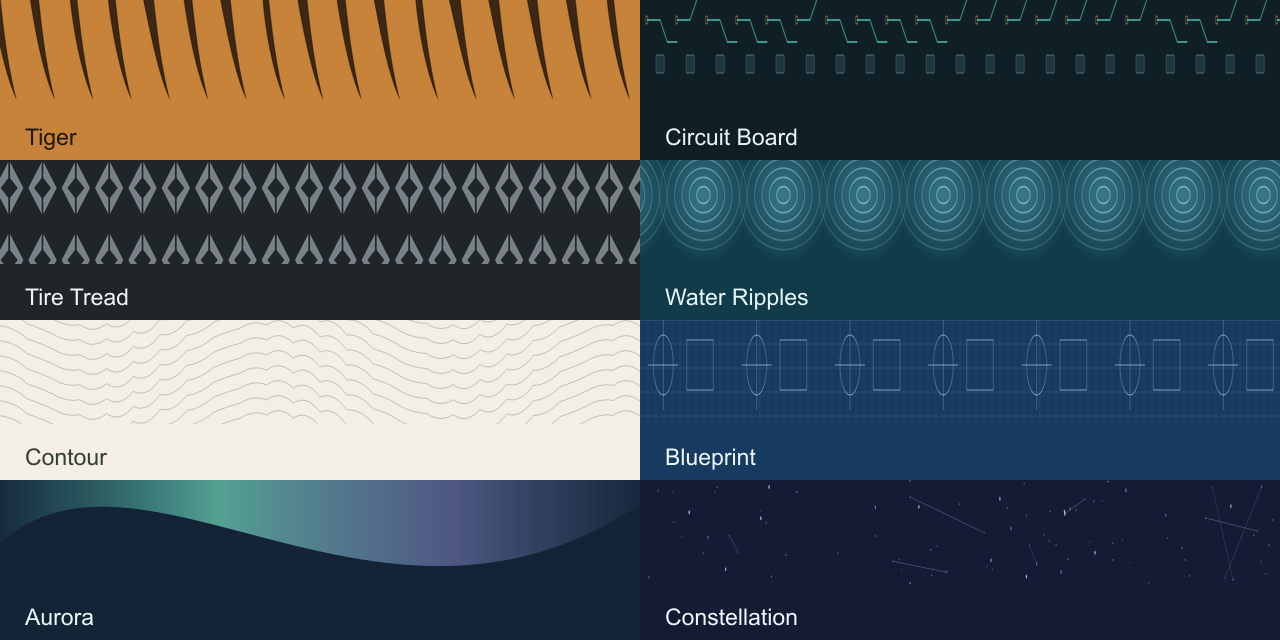
Explore AirlockDeveloper tools, screenshots, a command palette, themes and illustrated skins, with searchable settings.
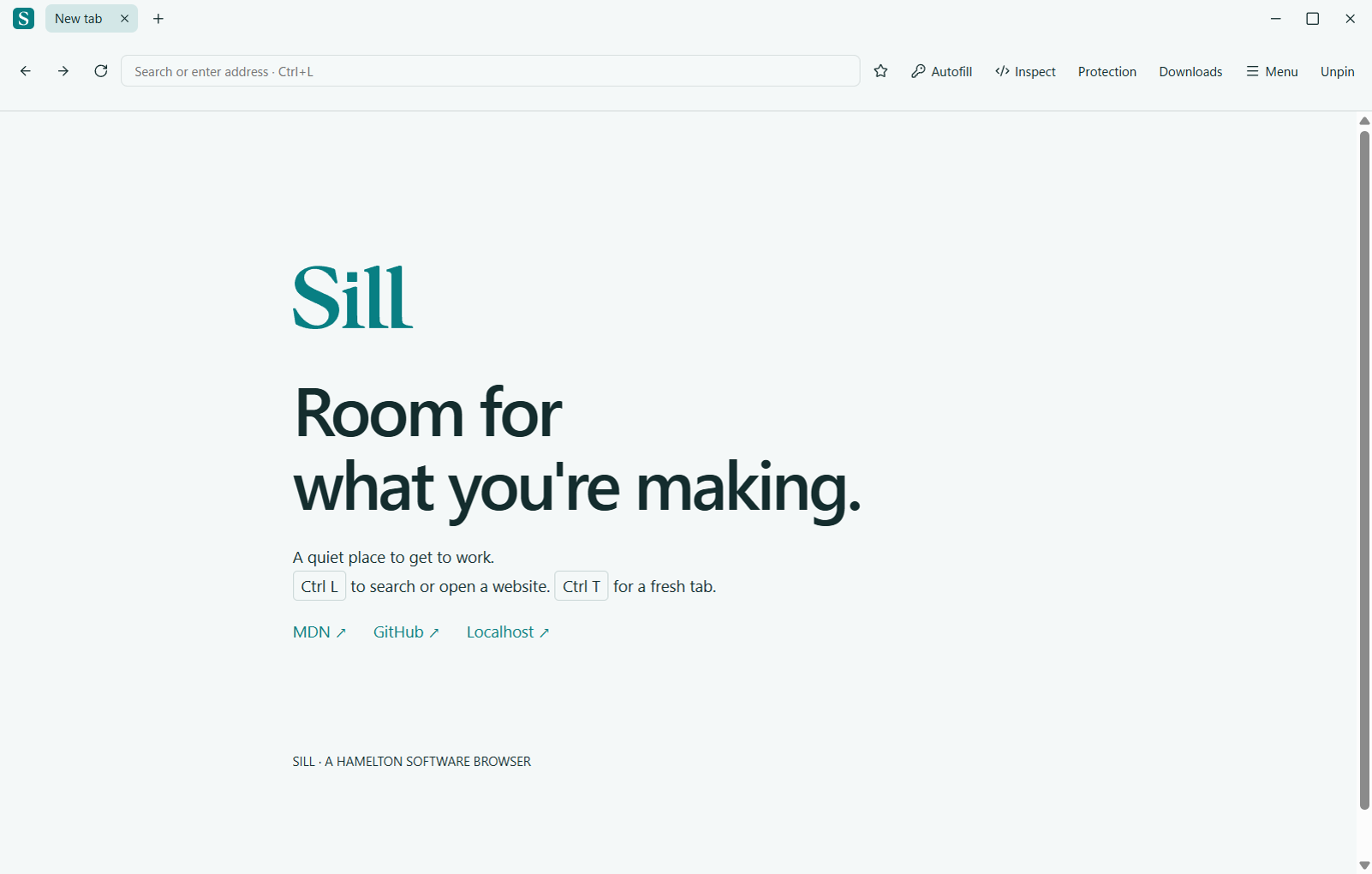
View the feature guideThese are actual browser captures using demonstration content. Caption them as beta screenshots. Responsive website previews are not evidence of a mobile browser release.
Full screenshot gallery · Official logos and brand guidelines
Sill does not currently publish comparative performance benchmarks or a guaranteed amount of memory savings. Paused pages reload when reopened. Recovery checkpoints preserve tab and workspace structure, not an entire running web application. Optional text draft recovery has its own eligibility rules.
Read the privacy and storage notes and beta guide when evaluating the browser. Public availability is separate from production readiness.
Read the development log, subscribe through RSS, or request email updates. For product questions, interview requests or additional assets, email help@hameltonsoftware.com with your outlet, topic and deadline.