
Get help and test a beta
Support boards, private feedback and reporting steps.
Choose the right place
The support area has installation, browsing, workspace, appearance and feature-request boards. Public posts can be read by visitors. Use a display name you are comfortable making public.
Enter the private tester area
- Join the tester program with your email.
- Use support sign-in with the same address.
- Open the one-use email link and confirm sign-in.
Private beta boards require an authenticated tester or the site administrator. Signup details and report emails are not displayed on public boards.
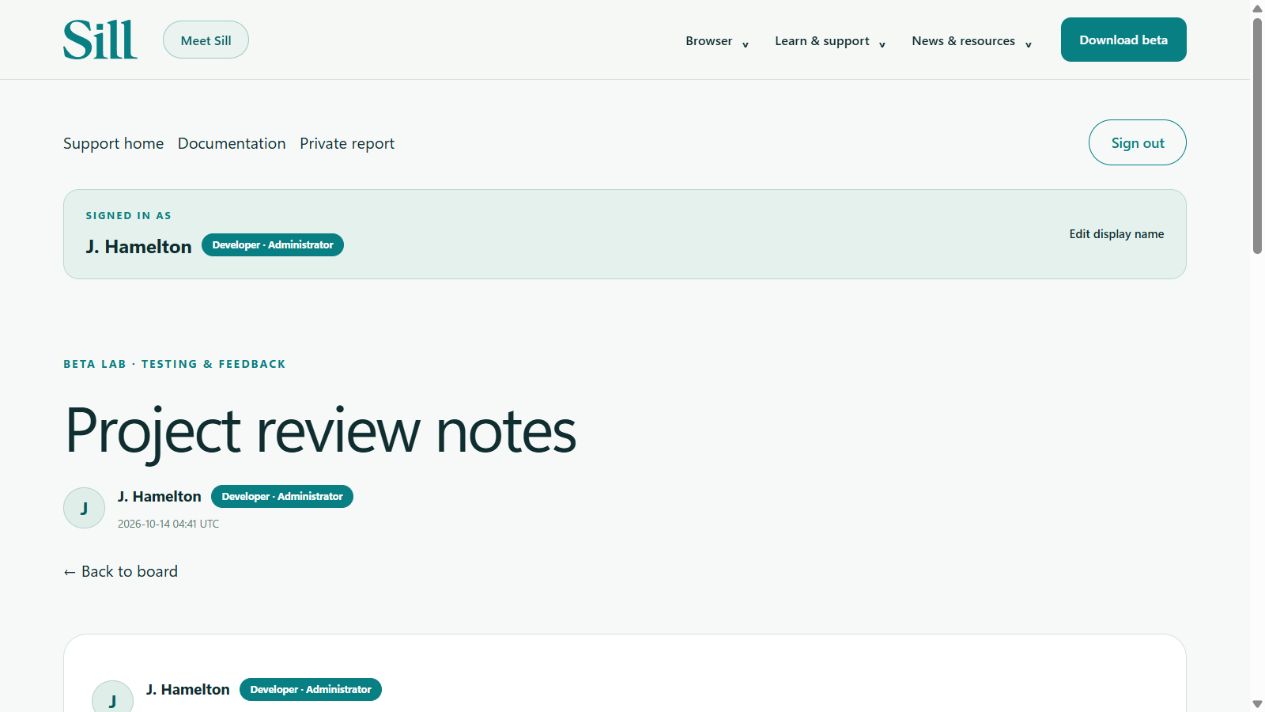
Staff names and role badges
Your signed-in account card shows your display name and role. Discussion headers, posts and board lists identify the author. The verified developer account carries a Developer · Administrator badge; changing a display name cannot grant that role. Use Edit display name to update your public name.
Write a useful report
- Include your Sill beta version and Windows version.
- Explain the steps that reproduce the problem.
- State what you expected and what happened.
- Include a public site address if appropriate. Remove passwords, payment details, tokens and private page content.
Use the private report form or help@hameltonsoftware.com for details you do not want visible to other testers.