
Appearance and themes
Color palettes, artwork and transparent chrome backgrounds.
Choose a theme
Open Menu → Appearance. Choose from twenty plain color palettes or the artwork themes, including Tiger, Circuit, Tread and Ripples. The Sill icon follows the selected palette.
Add a custom background
Use a transparent image when you want the selected background color to show through the artwork. The design templates are 1920 × 104 pixels for top chrome and 320 × 1080 pixels for side chrome. Different window sizes and density settings can crop or scale the image.
Resize the controls
The chrome-size slider previews its change while you drag. Compact controls may consolidate into one row. Long tab titles truncate inside each tab; hover to read the full title and URL, or scroll the strip to reach more tabs. Side Glide uses a separate panel-width slider. Keep text contrast and control sizes readable when choosing an image or palette.
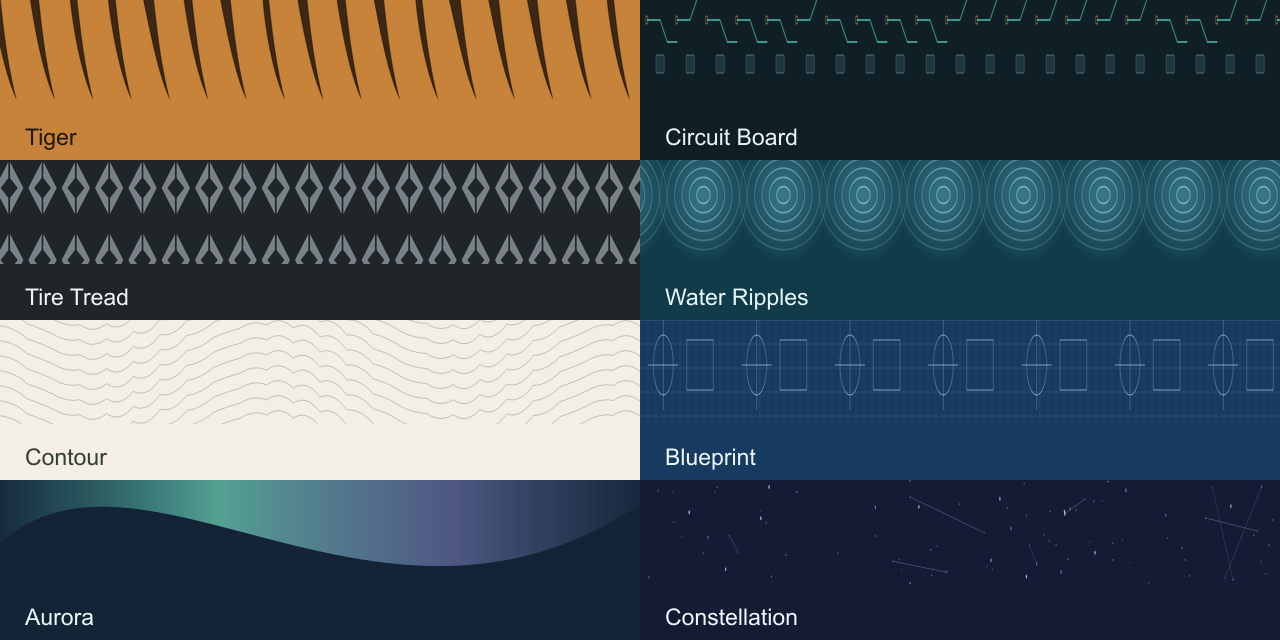
Theme gallery and motion captures · Brand identity