
Recovery and saved drafts
Checkpoint status, failed saves and opt-in text recovery.
Check session recovery
Open Sill Desk or search Settings for “checkpoint.” The recovery card shows the last successful save. Retry after resolving a disk-space or file-access problem. A checkpoint stores tab addresses, workspace arrangements, shelf links and local notes.
The 200-tab checkpoint limit
Recovery supports up to 200 tabs across all workspaces. A larger session is refused instead of being saved partially. Your previous valid checkpoint stays in place. Save unfinished website work, close extra tabs and retry.
When you quit
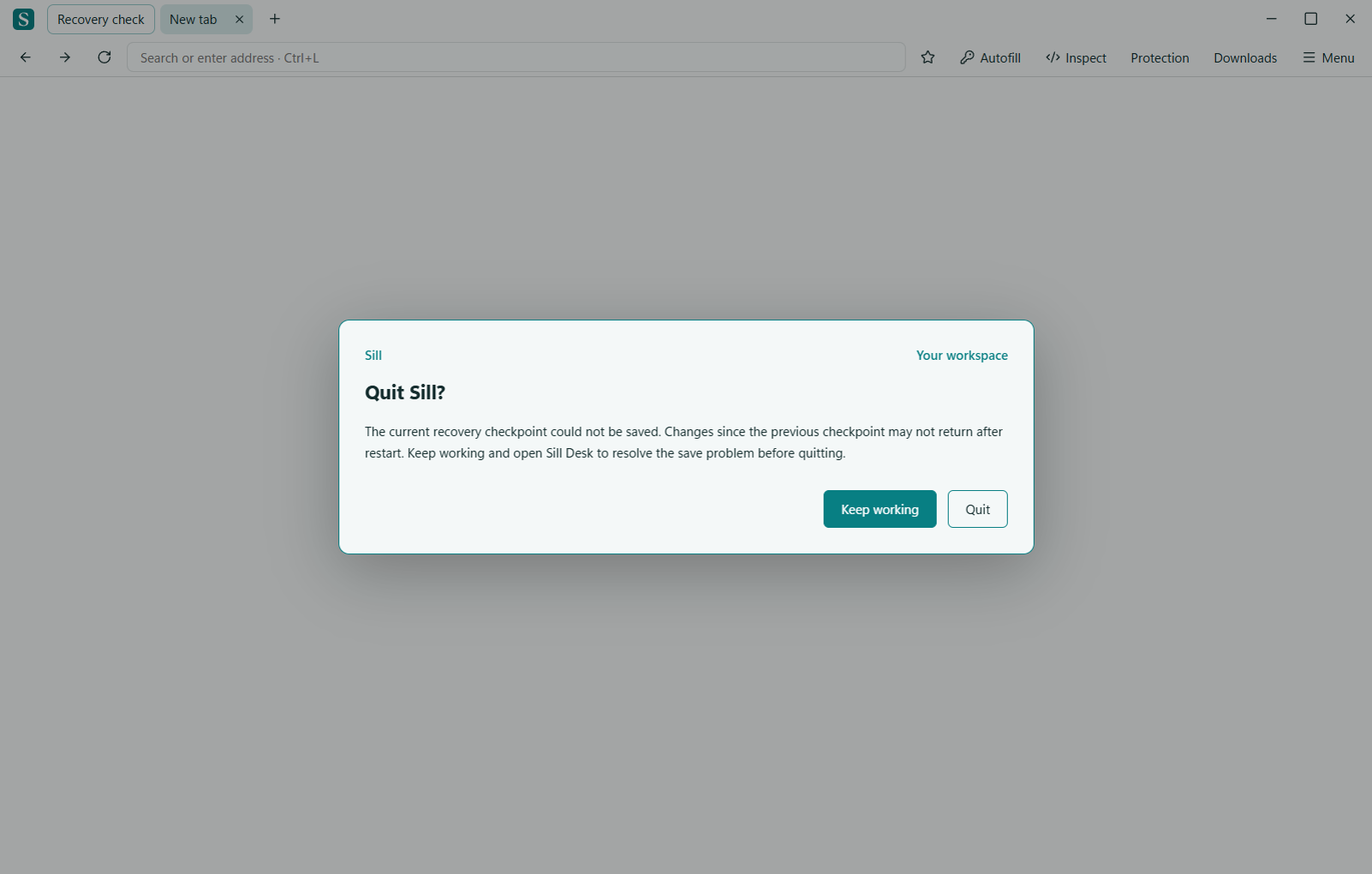
If a checkpoint cannot be saved, the quit prompt explains that recent changes may not return after restart. Choose Keep working to resolve the issue. Quit remains available if you decide to leave.
Opt-in text draft recovery
Enable recovery only for sites where you want eligible text saved. Restoration requires the same tab and page address, a matching field identity and an empty field. It does not submit forms or replace newer text. Passwords, recognized payment and personal-data fields, files, embedded frames, autocomplete-off fields, rich text and custom editors are excluded. Ordinary text can still contain private information.
Disabling recovery removes saved drafts for that site’s workspace session. Discard saved draft removes the current tab’s saved drafts. A checkpoint is not a copy of every website’s live state.