
Keyboard and command palette
Find tabs, workspaces and actions without a mouse.
Open the command palette
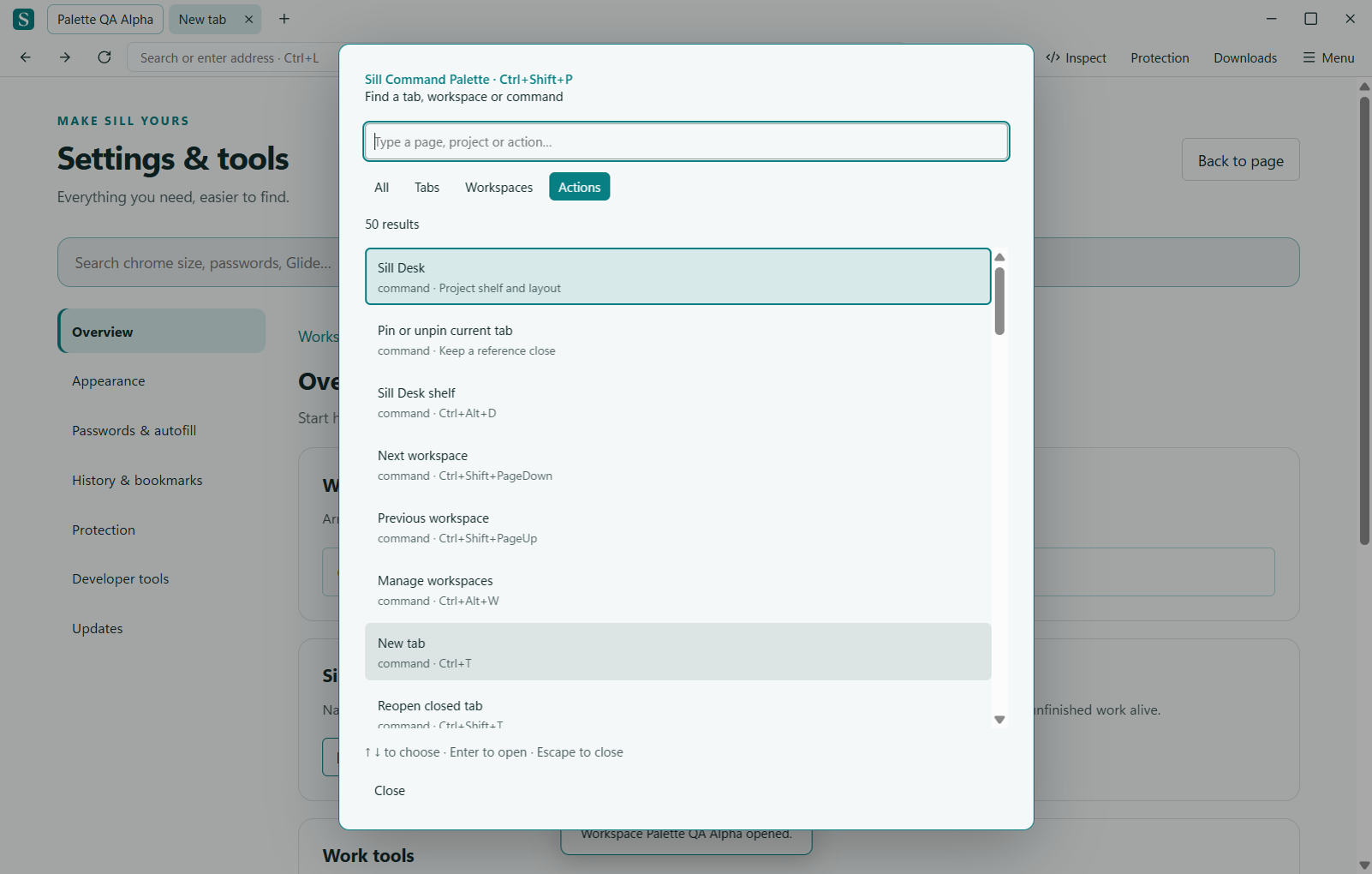
Press Ctrl+Shift+P. Filter by All, Tabs, Workspaces or Actions. Search multiple words in any order, use the arrow keys to choose a result and press Enter. Sleeping tabs are labeled before you switch.
| Shortcut | Action |
|---|---|
| Ctrl+L | Focus the address field |
| Ctrl+T | New tab |
| Ctrl+W | Close the current tab |
| Ctrl+Shift+P | Command palette |
| Ctrl+Alt+W | Workspaces |
| Ctrl+Alt+A | Airlock review |
| Ctrl+F | Find in page |
Find the full legend
Open the keyboard-shortcut legend from the Sill Menu for the complete list in your installed build. A website may intercept some keystrokes when its content has focus.
Need a hand? Visit the support boards or send a private report.
← All documentation