
Workspaces and Desk
Named projects, layouts, shelves and isolated sessions.
Organize a project
Open the workspace view with Ctrl+Alt+W. Create a workspace, give it a meaningful name and open the project’s tabs there. You can create more than two workspaces and switch between them.
Use Sill Desk
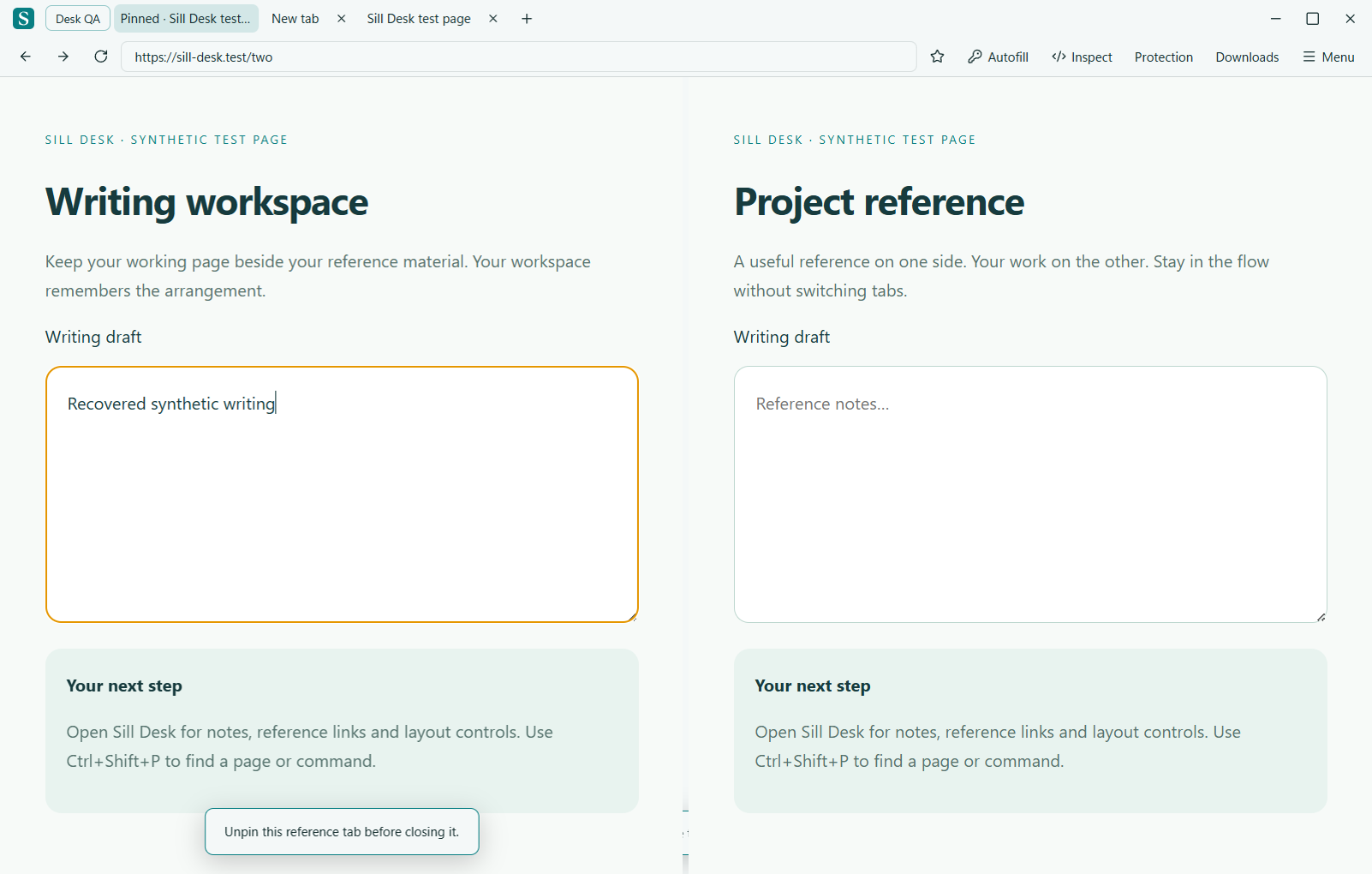
Desk offers saved arrangements for side-by-side work, a shelf for project links and local notes, and workspace templates. Pin a reference tab when you want it to stay close. Check Desk’s resource status to see sleeping tabs and those kept awake.
Separate sign-ins
Choose an isolated session for a workspace when you need separate site cookies and logins, such as different client accounts. A separate session is a browsing partition, not a substitute for an operating-system account or a security boundary against someone using your computer.
Notes and unfinished work
Local notes and shelf links belong to the workspace. Save unfinished work through the website itself. Keeping a tab awake helps preserve its current process, but does not guarantee survival after a crash or restart.
Desk feature guide · Workspace feature guide