
Glide and chrome size
Reveal, pin, position and resize browser controls.
Enable Glide
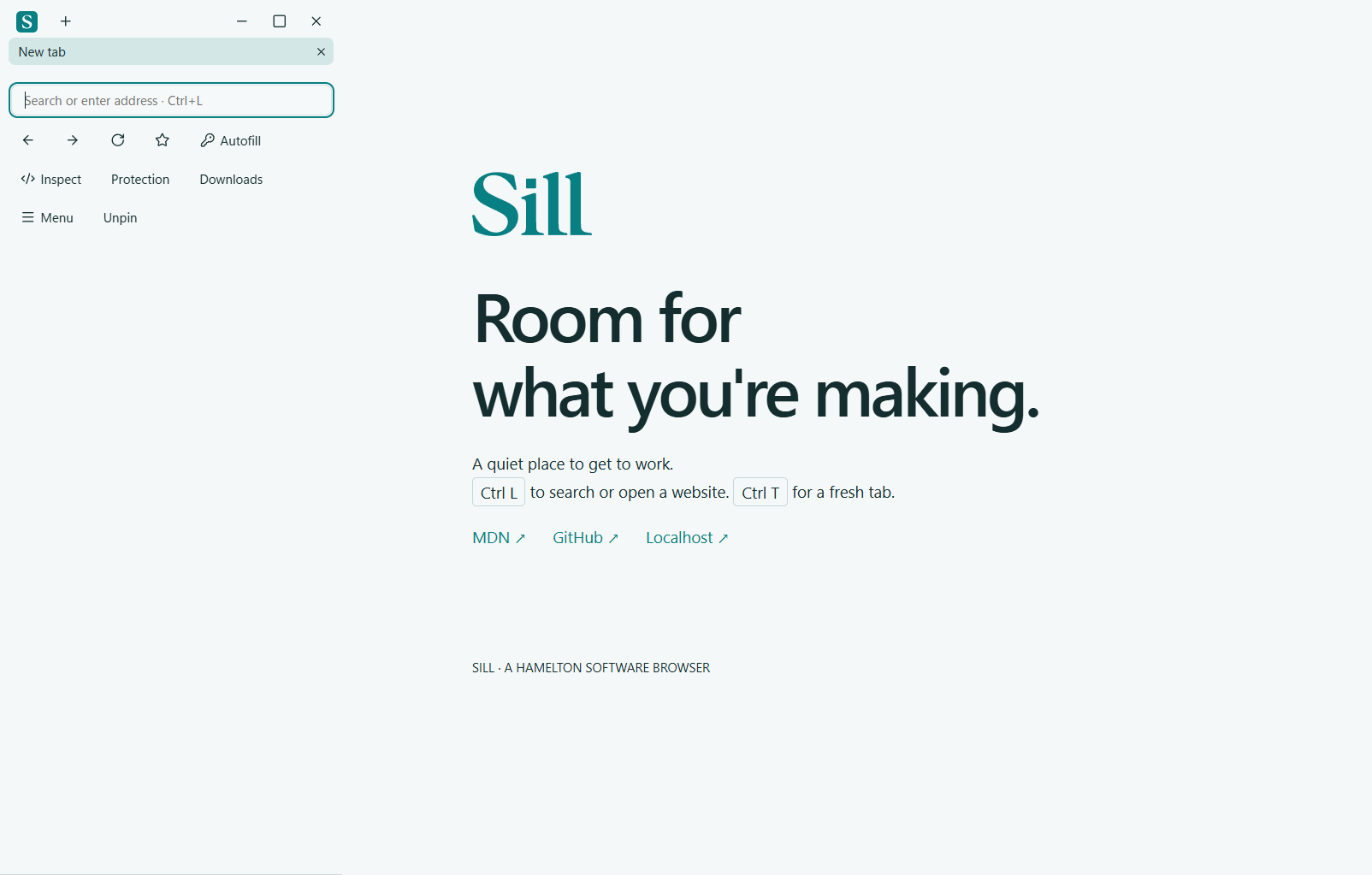
Open Menu → Appearance → Sill Glide. Enable it and choose the top, left or right edge. A small indicator remains at that edge while the browser controls retreat.
Reveal or pin the frame
Hover over the indicator to reveal the controls. After the pointer leaves, a short delay gives you time to move back. Pin Glide when you want controls to stay visible. Pinned top chrome moves the website viewport below the toolbar; unpinned Glide overlays the page.
Adjust the size
In Appearance, drag the chrome-size control to preview the top frame in real time. The controls consolidate as the frame becomes compact. Side panels have a live width control and grouped navigation, tabs and tools. Choose a size that keeps labels and controls comfortable to use.
More examples
Watch the captures on the Glide feature page and Appearance page.